


Complete a Compatible Setup
Select supporting components around the equipment you already own or intend to buy. Check fit, connections, and installation requirements together.

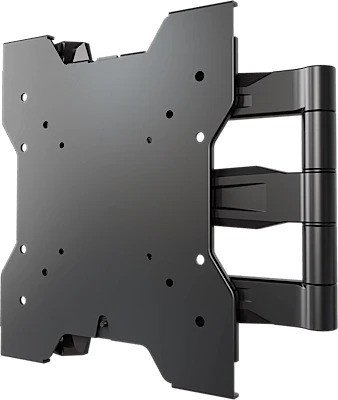
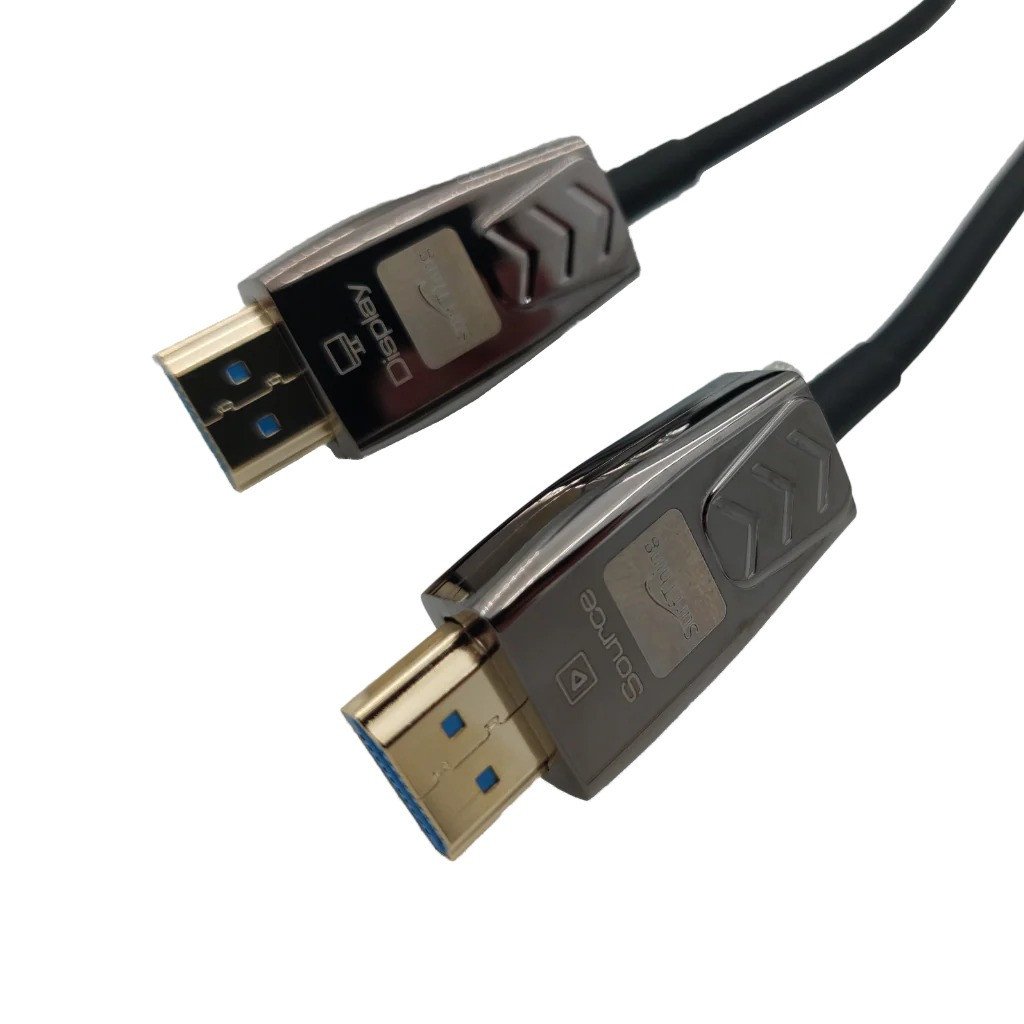
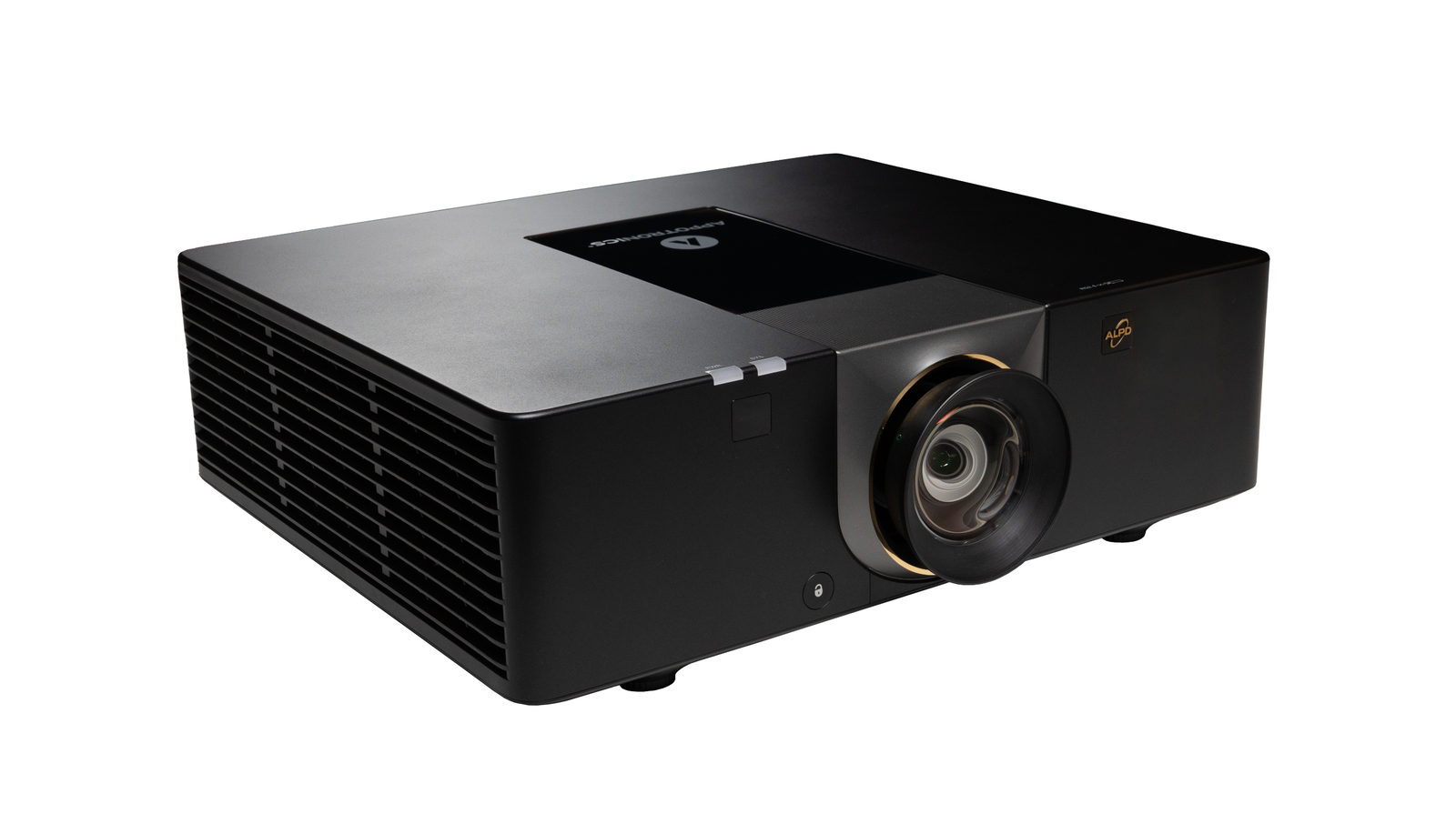
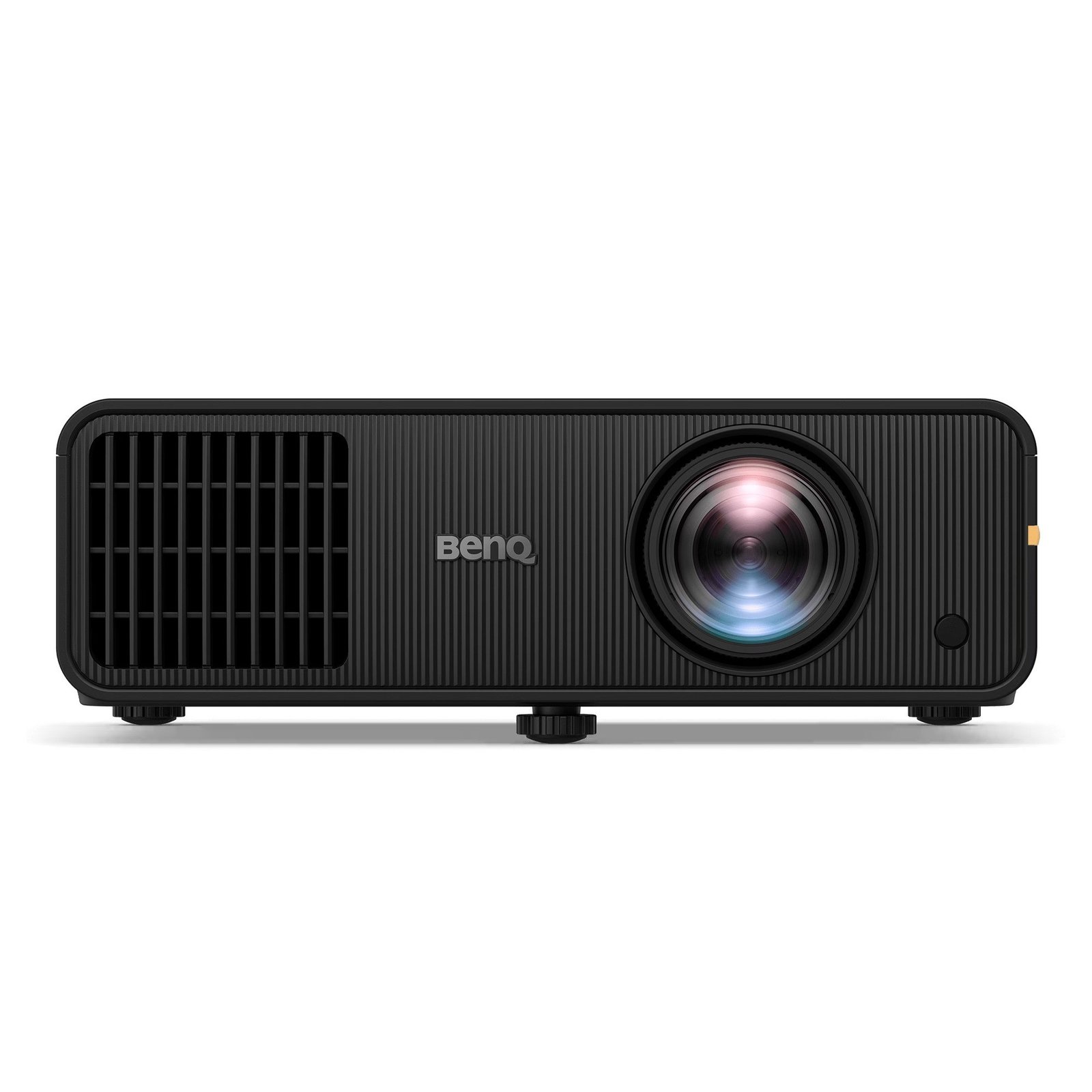
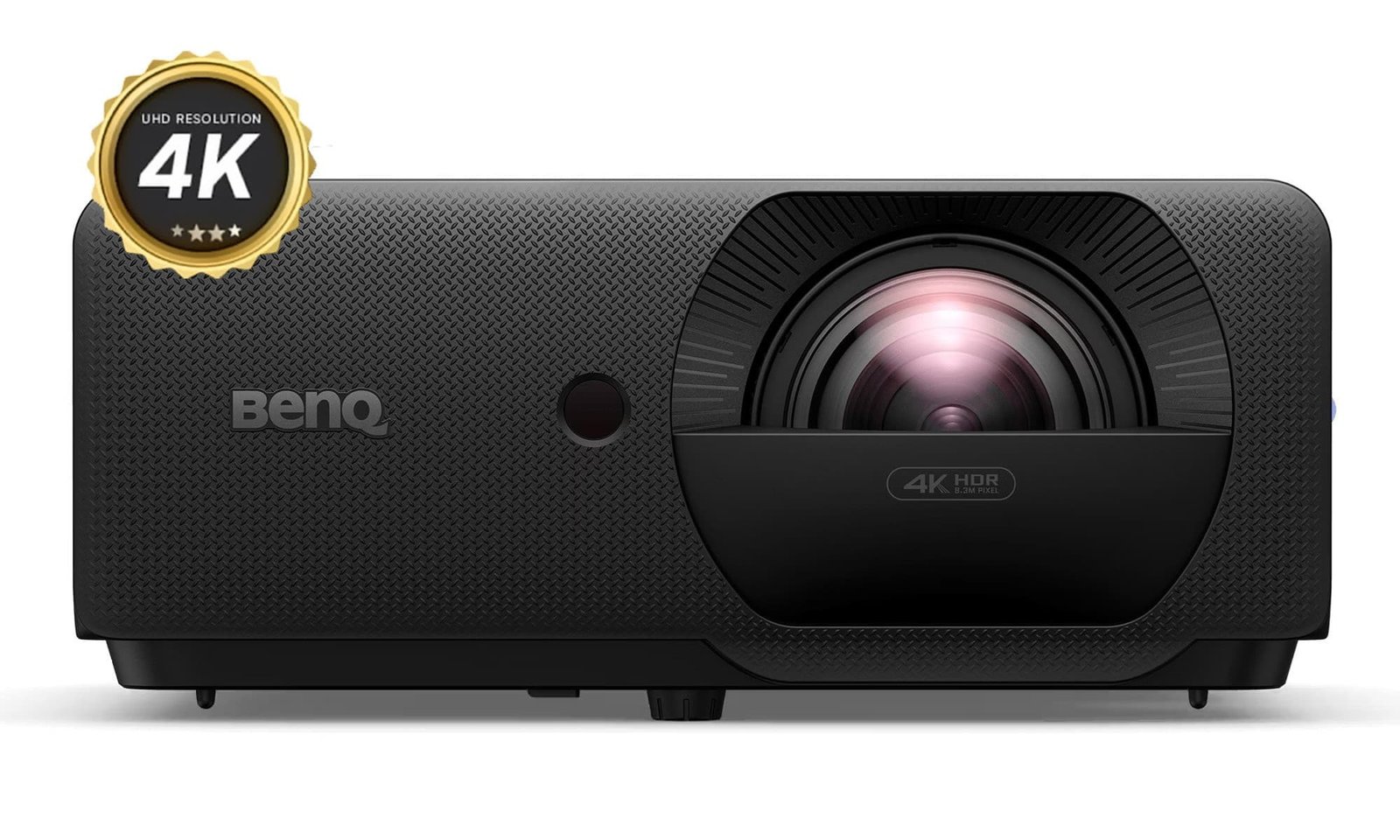
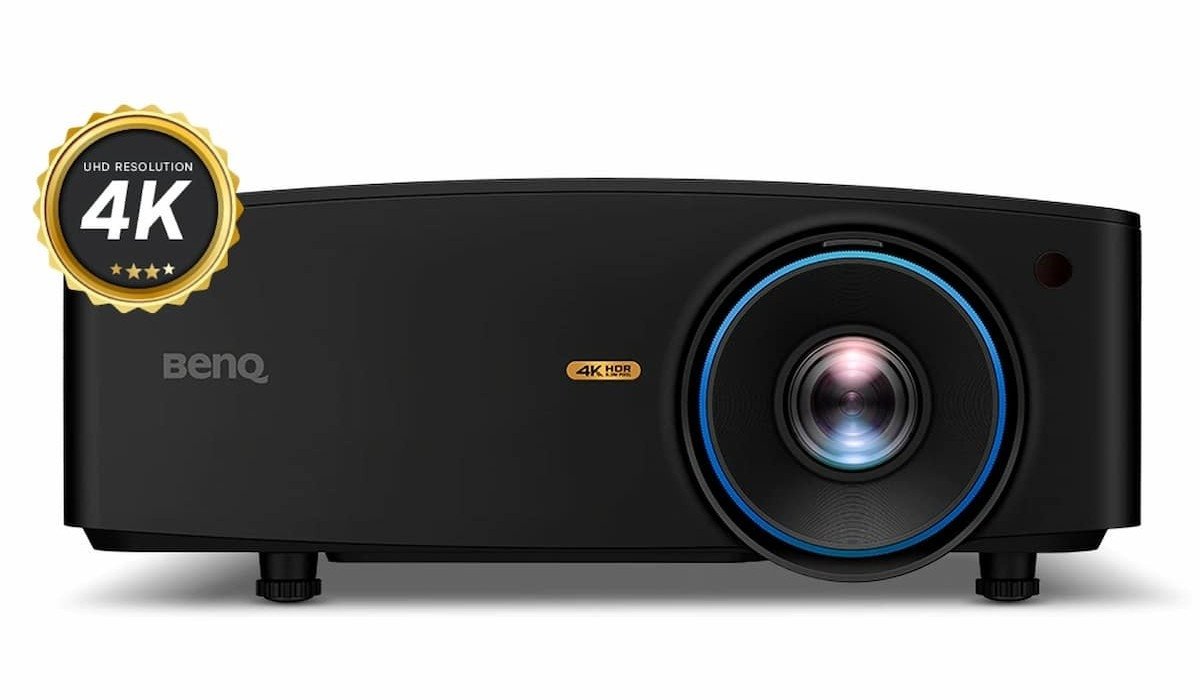
Complete the details of your setup
Explore accessories for simulator spaces, compatible golf caddies, and turf installations. Product purpose, fit, included components, and installation requirements vary, so check each item against your existing equipment.
Browse accessories that support a compatible simulator installation or practice area. Check the intended purpose, connection method, and space requirements before adding an item to your setup.
Compare holders, batteries, remotes, chargers, brackets, and other parts for supported caddy models. Similar-looking components are not necessarily interchangeable.
Explore base panels and contour products for suitable turf or putting-green projects. Compare installed coverage, supporting-surface requirements, and manufacturer installation guidance.
Match the accessory to your equipment model, generation, and specifications. Confirm part numbers and any compatibility notes before ordering.
For batteries and chargers, confirm the supported equipment, electrical specifications, and connection type. Use and charge them only as instructed by the manufacturer.
Check how the accessory attaches or is installed, whether fittings are supplied, and whether additional tools or professional installation are needed.
Compatible phone, cup, umbrella, and storage accessories can help keep everyday items in their intended place. Check mounting position, fit, and stated capacity.
Review replacement components for the specific equipment you own. Confirm the required version and any setup or pairing steps before replacing a part.
Compare product dimensions with the available mounting area, equipment layout, or project footprint. For panels, distinguish uninstalled dimensions from installed coverage.
Check the stated use environment and any weather, drainage, or storage requirements. Do not assume every accessory or foundation product is suitable for all locations.
Review the package contents, assembly instructions, and maintenance guidance. Confirm whether cables, fittings, batteries, or other supporting items are included.
Small details, considered choices
Well-matched accessories can help you complete, organise, or maintain your golf setup. Choose by compatibility and intended use rather than assuming that every add-on will suit your equipment or space.
Select supporting components around the equipment you already own or intend to buy. Check fit, connections, and installation requirements together.
Choose compatible holders and storage options for the items you regularly use. Consider their position and capacity without interfering with normal equipment operation.
Find suitable replacement parts when a supported component needs attention. Follow manufacturer instructions and seek qualified help where required.
Compare base panels and contour products against your project conditions. Check site preparation, drainage, turf compatibility, and installation requirements.
Prioritise accessories that serve a clear purpose in your practice area or on your caddy. Avoid unnecessary purchases by confirming what your setup already includes.
Account for fittings, cables, tools, supporting components, and installation work. Confirm the complete requirements before comparing overall costs.
Real feedback from verified customers who built smarter practice spaces with Indoor Golf Valley.
Bring the system together with compatible projectors, computers, software, cameras, replacement parts, caddy accessories, and foundation products.
Match accessories to the hardware, software, dimensions, and connections already in your setup.
Browse technology, replacement parts, practice add-ons, and installation components together.
Find the cables, mounts, computing power, and supporting equipment needed to finish the job.
Ask for help before selecting a component that must integrate with existing equipment.
Use these answers to check compatibility, software, computing, projector, installation, and replacement-part requirements.
Start with the exact model of your launch monitor, computer, projector, enclosure, golf caddy, or other primary equipment. Then compare dimensions, connections, operating-system support, mounting requirements, and manufacturer compatibility notes before ordering.
Requirements vary by launch monitor and simulator software. Check the current processor, memory, graphics card, storage, operating system, and network specifications for the programs you plan to run. Higher resolutions and advanced course graphics generally require stronger hardware.
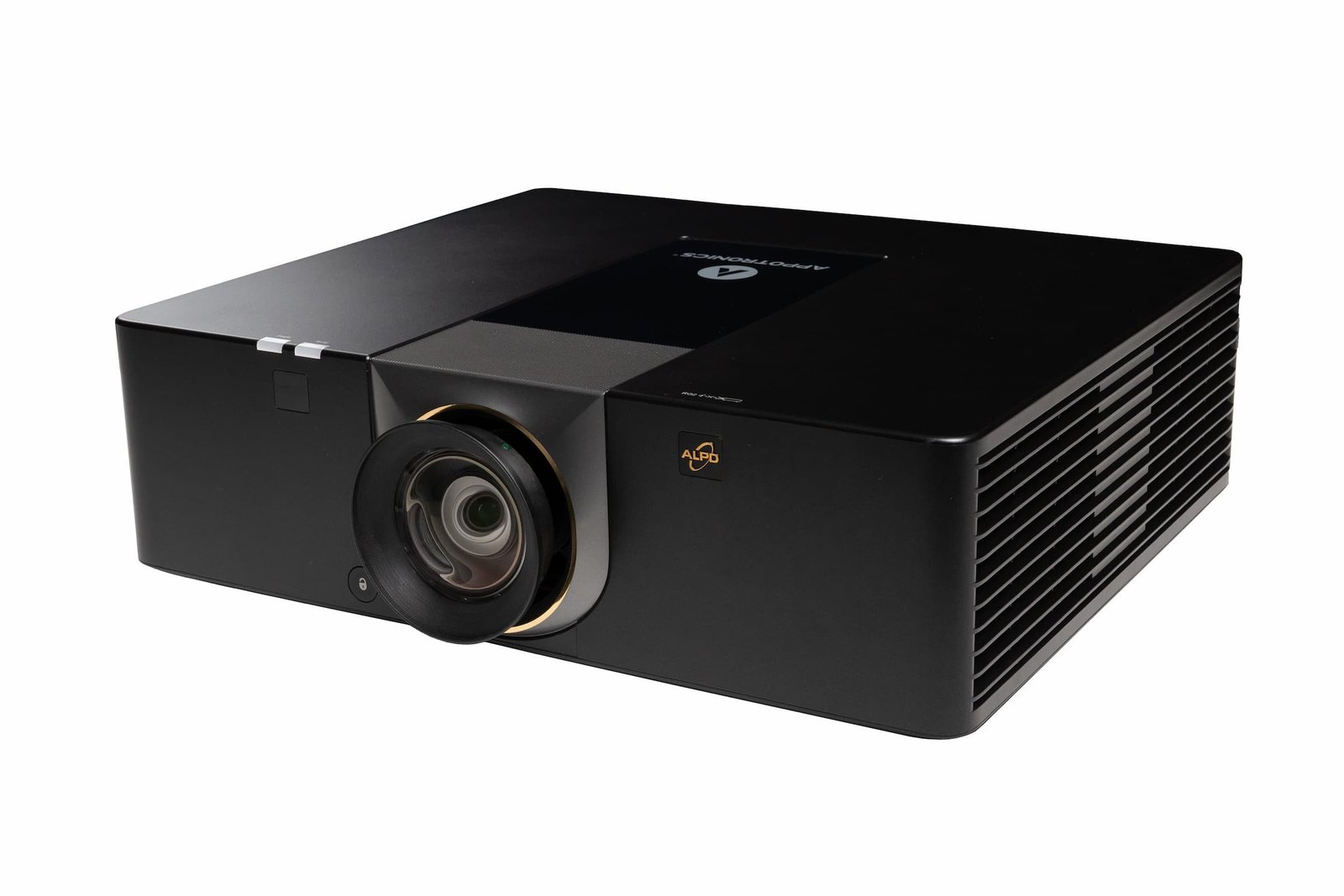
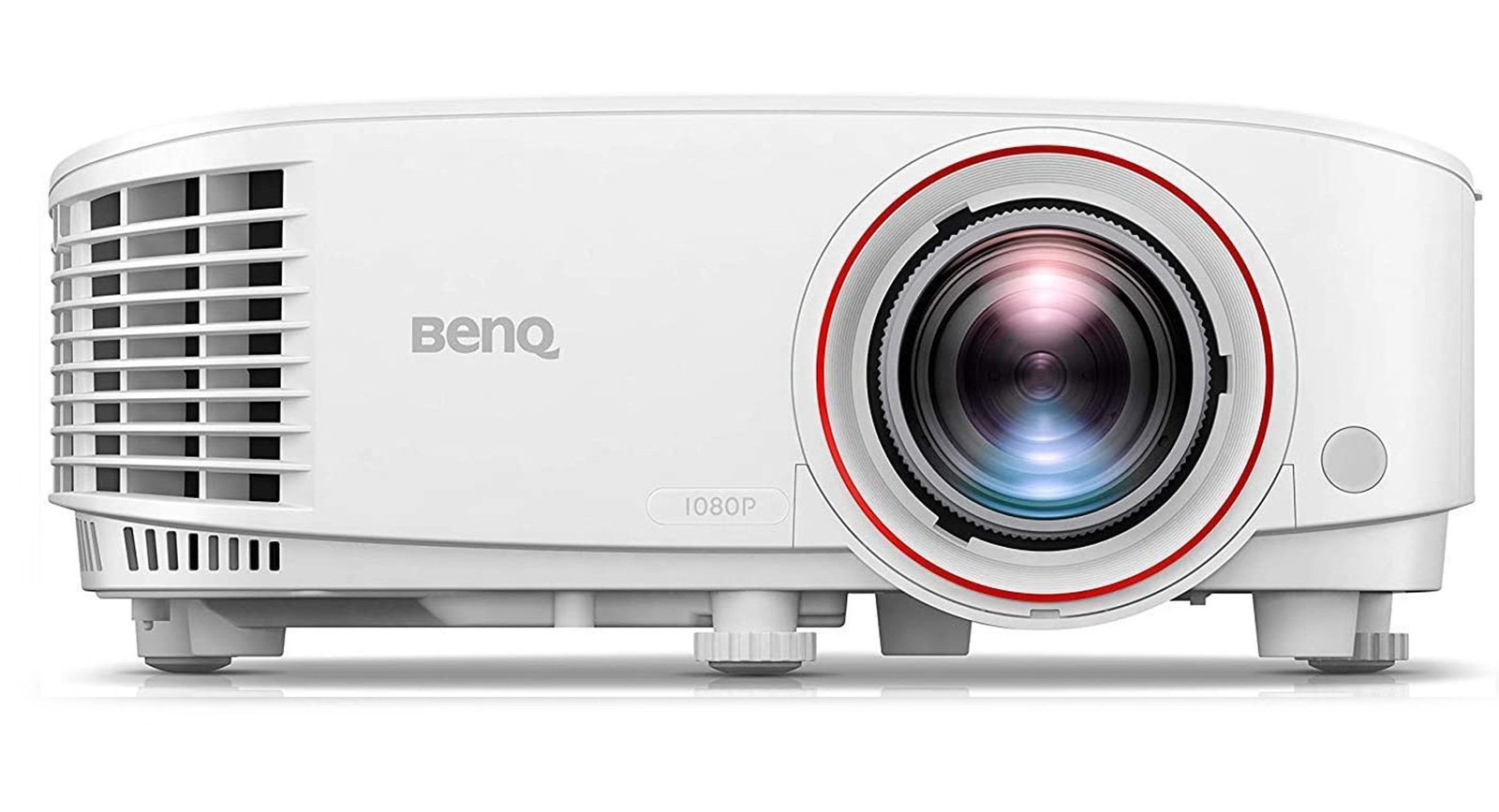
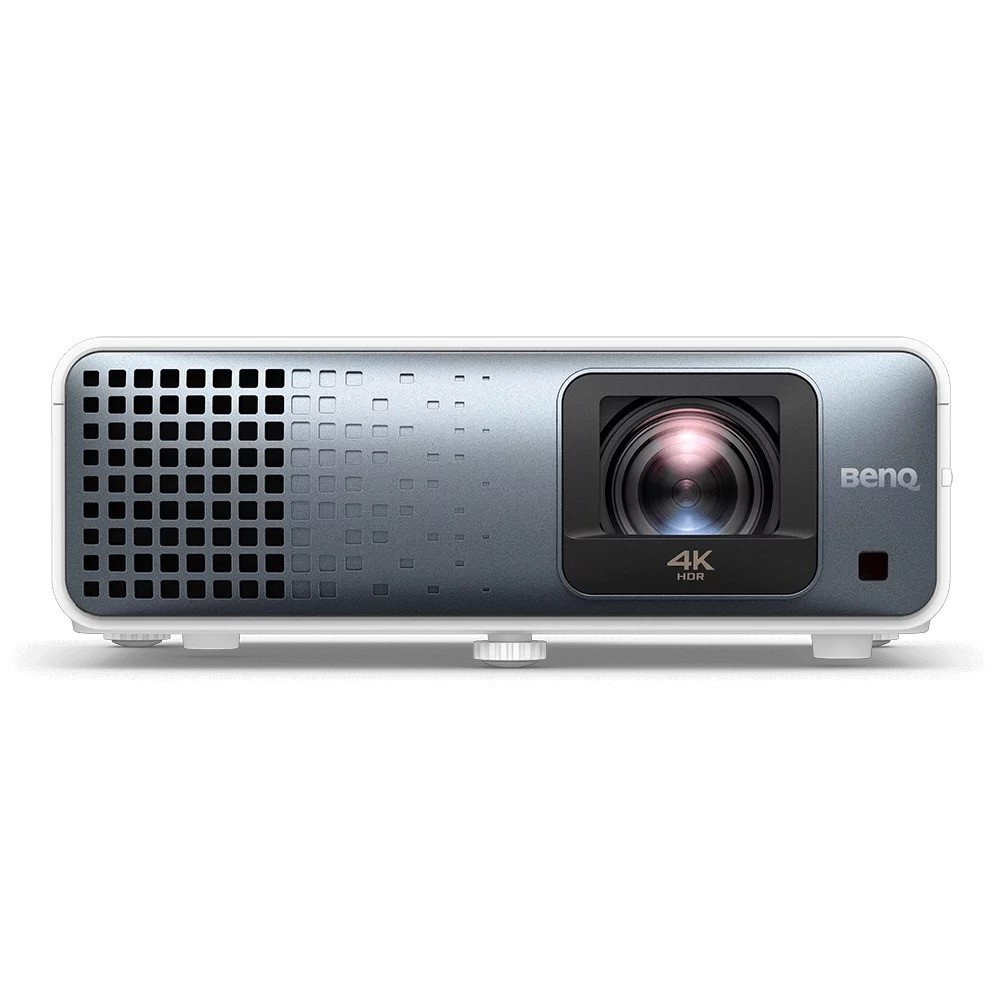
Match the projector throw ratio to the mounting distance and screen size, then compare brightness, resolution, aspect ratio, input connections, and mounting orientation. The goal is to fill the visible screen without placing the projector where the golfer creates shadows or can strike it.
Some software uses a one-time license, while other products require monthly or annual subscriptions. Course libraries, online play, updates, and premium features may have separate fees. Confirm both launch monitor compatibility and the current license terms before purchasing.
Not always. Camera frame rate, resolution, connection type, lighting, software support, and computer requirements all affect compatibility. Confirm that the analysis or simulator software recognizes the camera model and that your room can support the recommended placement.
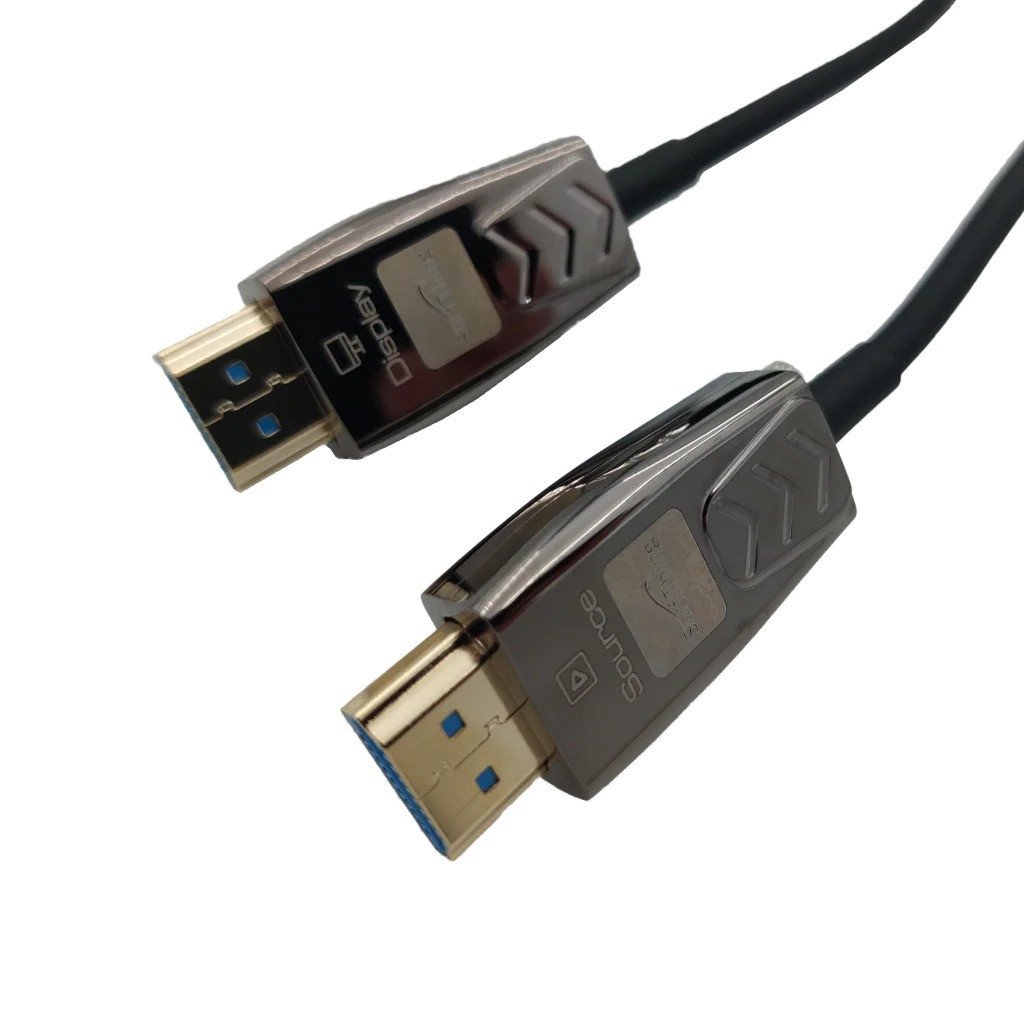
This depends on the projector, display, computer, launch monitor, cameras, and network. Common connections include HDMI, DisplayPort, USB, Ethernet, and power extensions. Check cable length and signal limits, and use active or optical cables where long runs require them.
Yes whenever possible. Batteries, chargers, remotes, clamps, brackets, and mechanical parts may look similar but use different voltage, firmware, dimensions, or fittings. Match the model and generation listed by the manufacturer before placing an order.
Base panels create a stable, drainable, and consistently shaped foundation beneath artificial turf. Product types vary for hitting areas, putting greens, landscaping, and court installations. Select the panel according to load, contour, drainage, height, and turf-system requirements.
Many accessories can be added later, but planning early is better for projector mounts, cable routes, cameras, flooring, computers, and power. Measure the remaining space and confirm that new equipment will not interfere with the golfer, launch monitor, or projected image.
Yes. Provide the product model you already own, relevant room measurements, computer specifications, software, and the accessory you are considering. Indoor Golf Valley can help identify key compatibility points before purchase.