


Give Practice a Clear Focus
Work on a specific club, distance, or shot pattern using the data your device supports. Use the feedback to structure your session rather than simply increasing the number of shots.
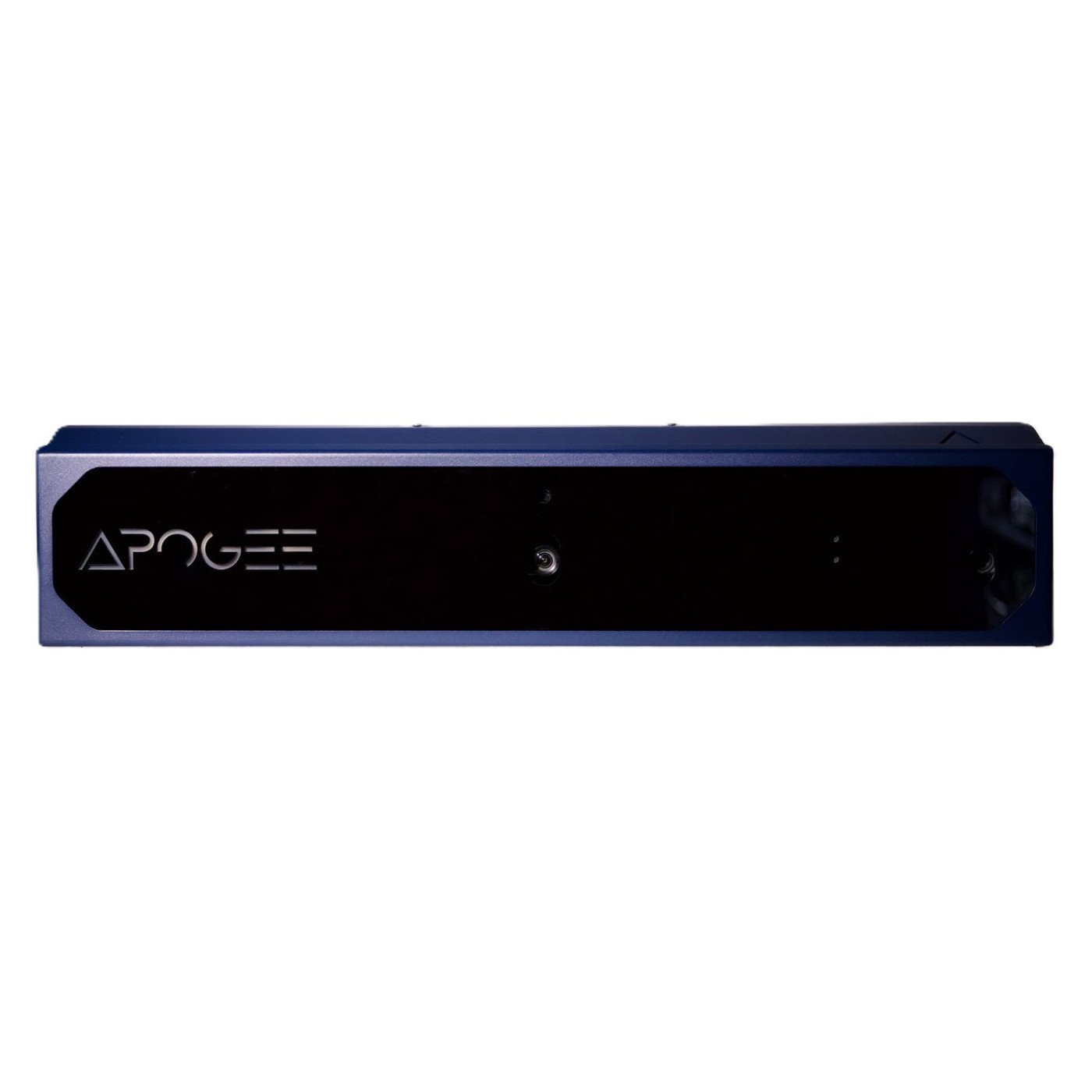
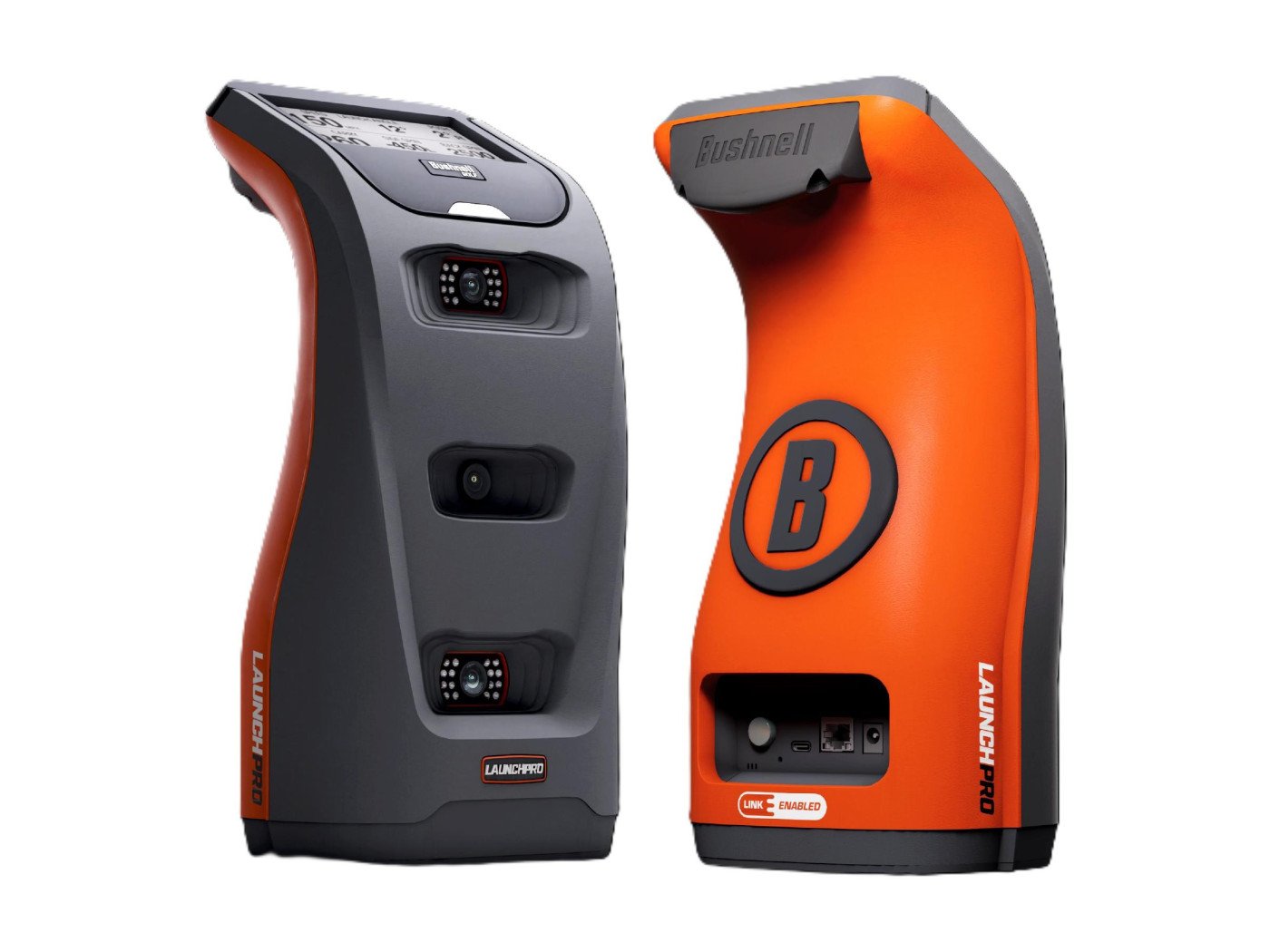

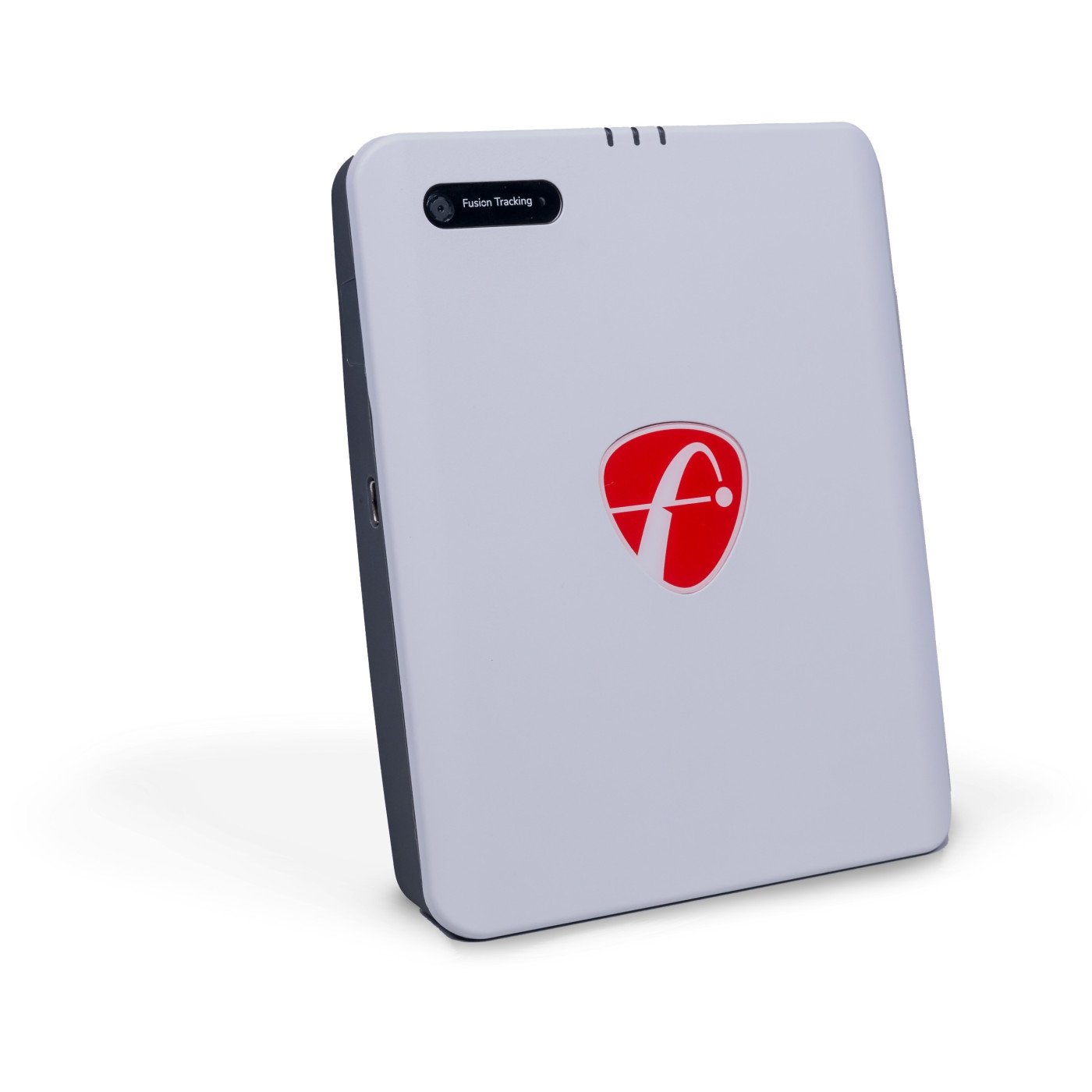

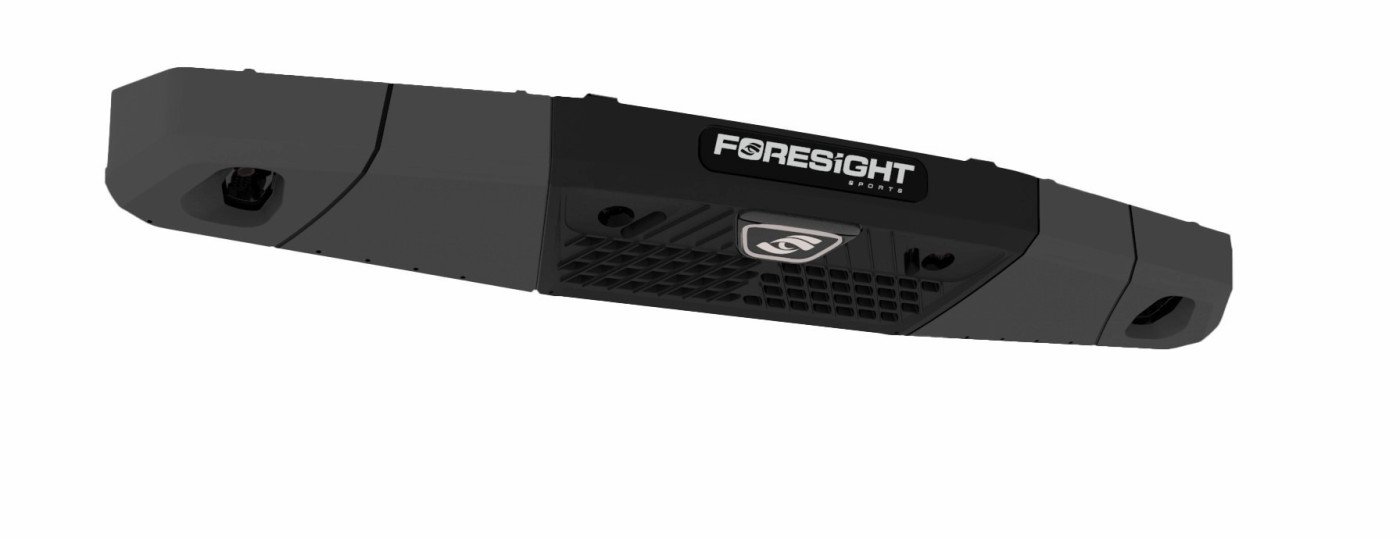
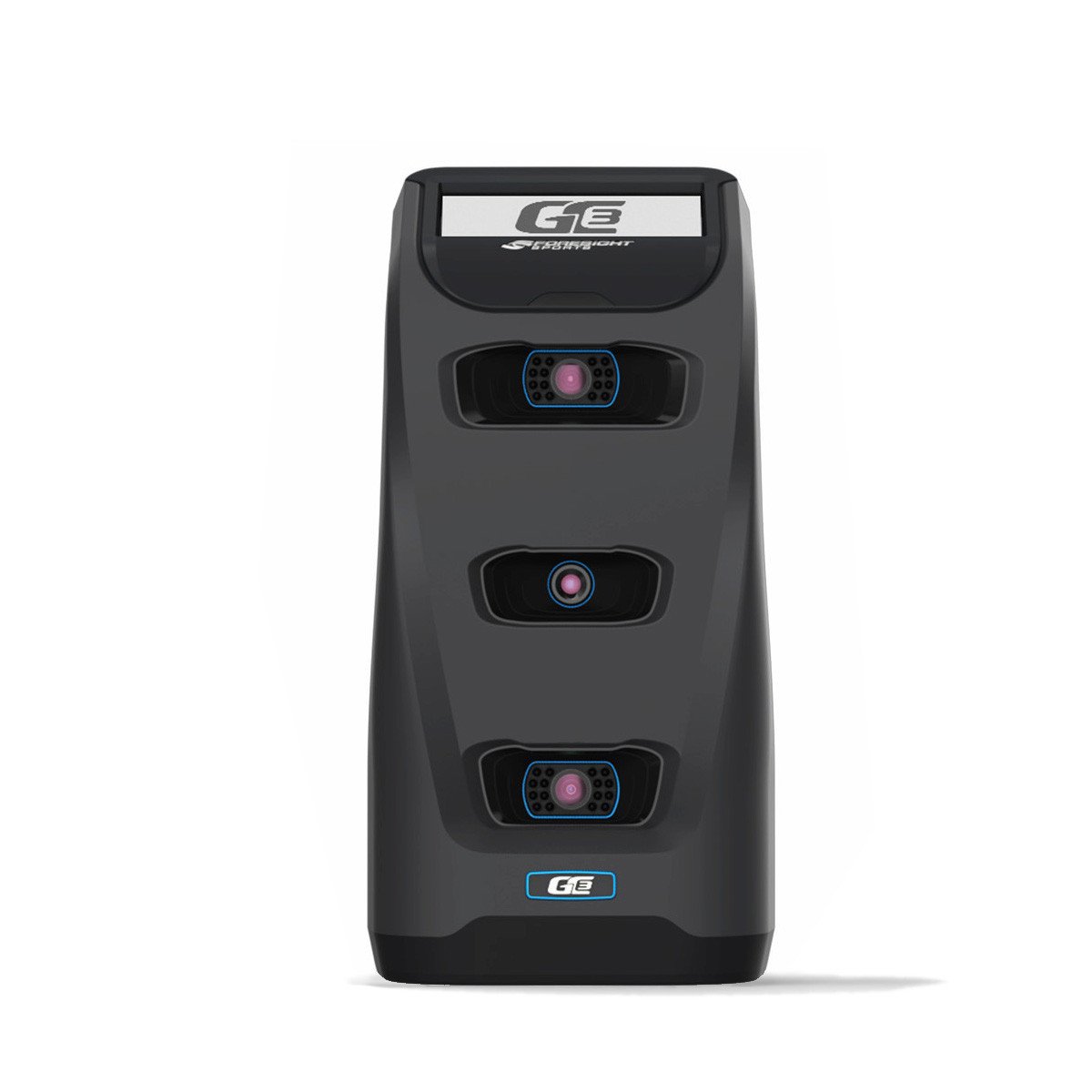
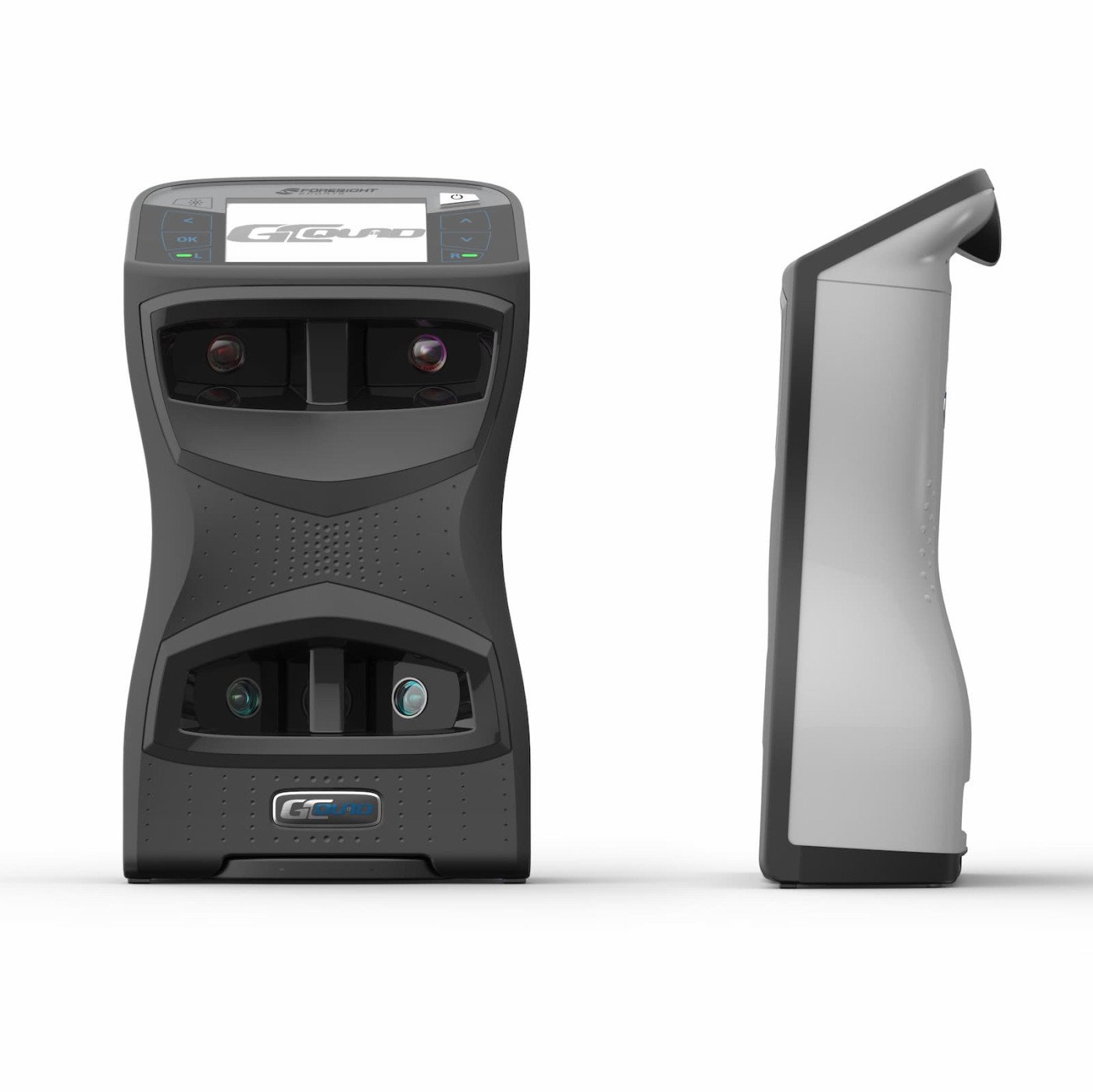
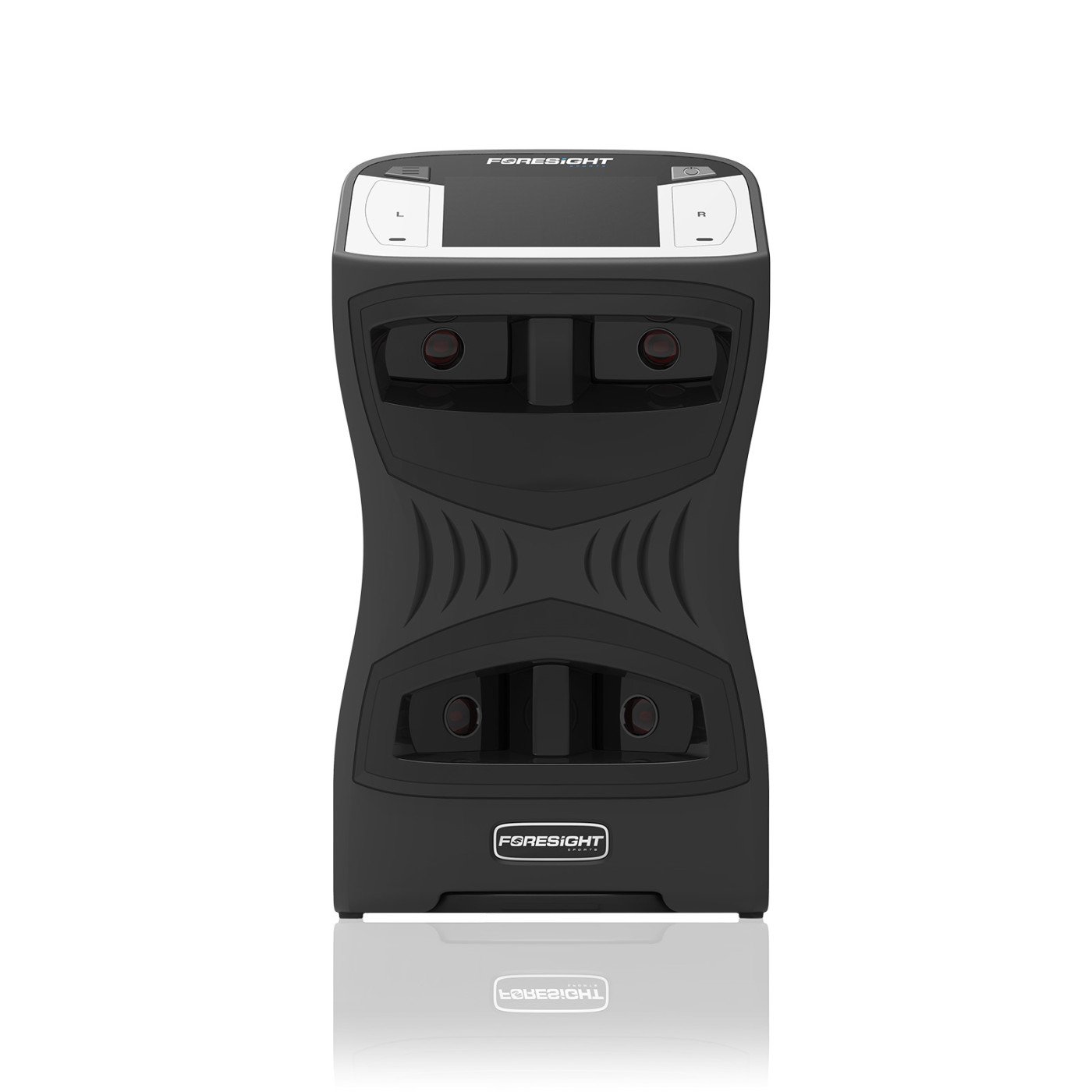
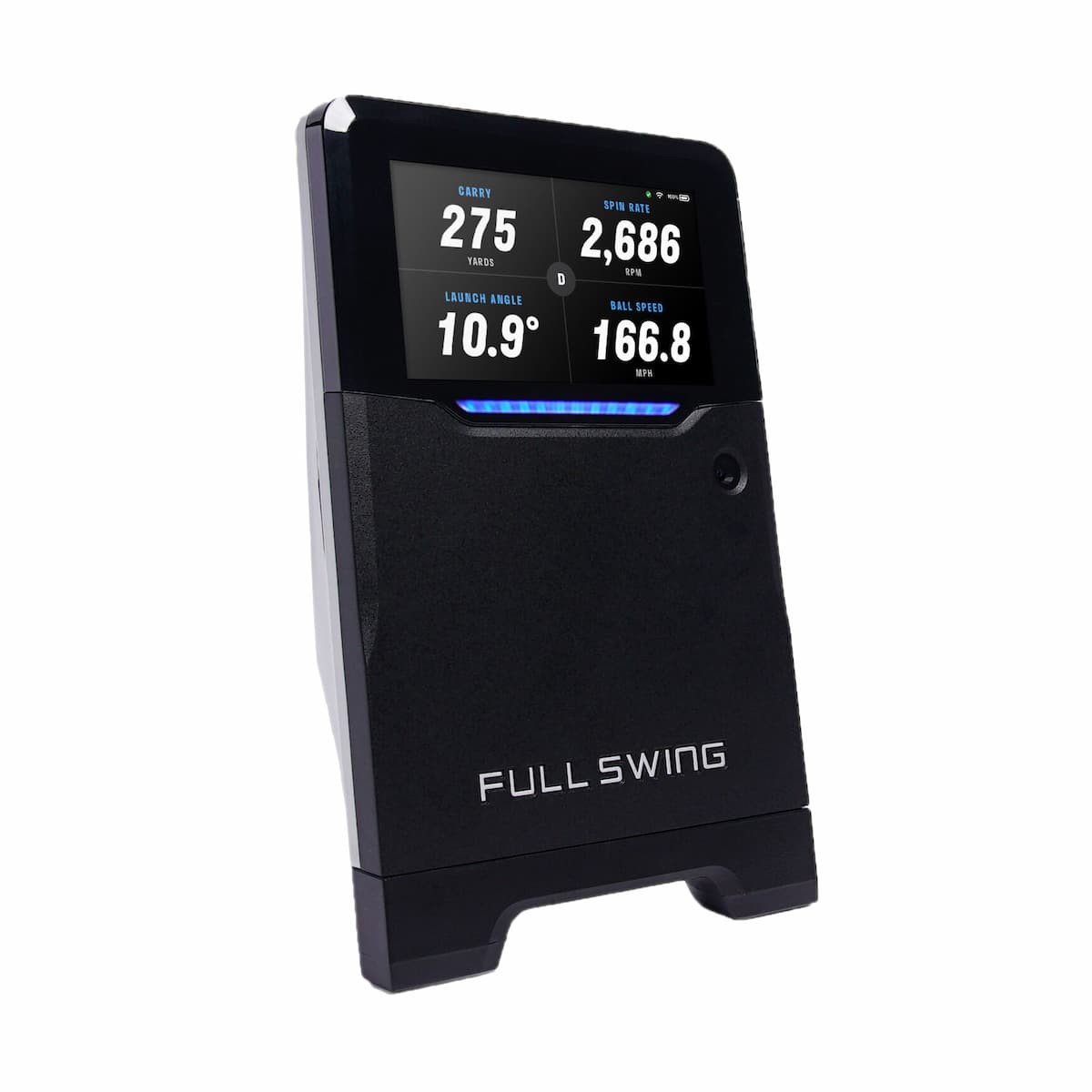
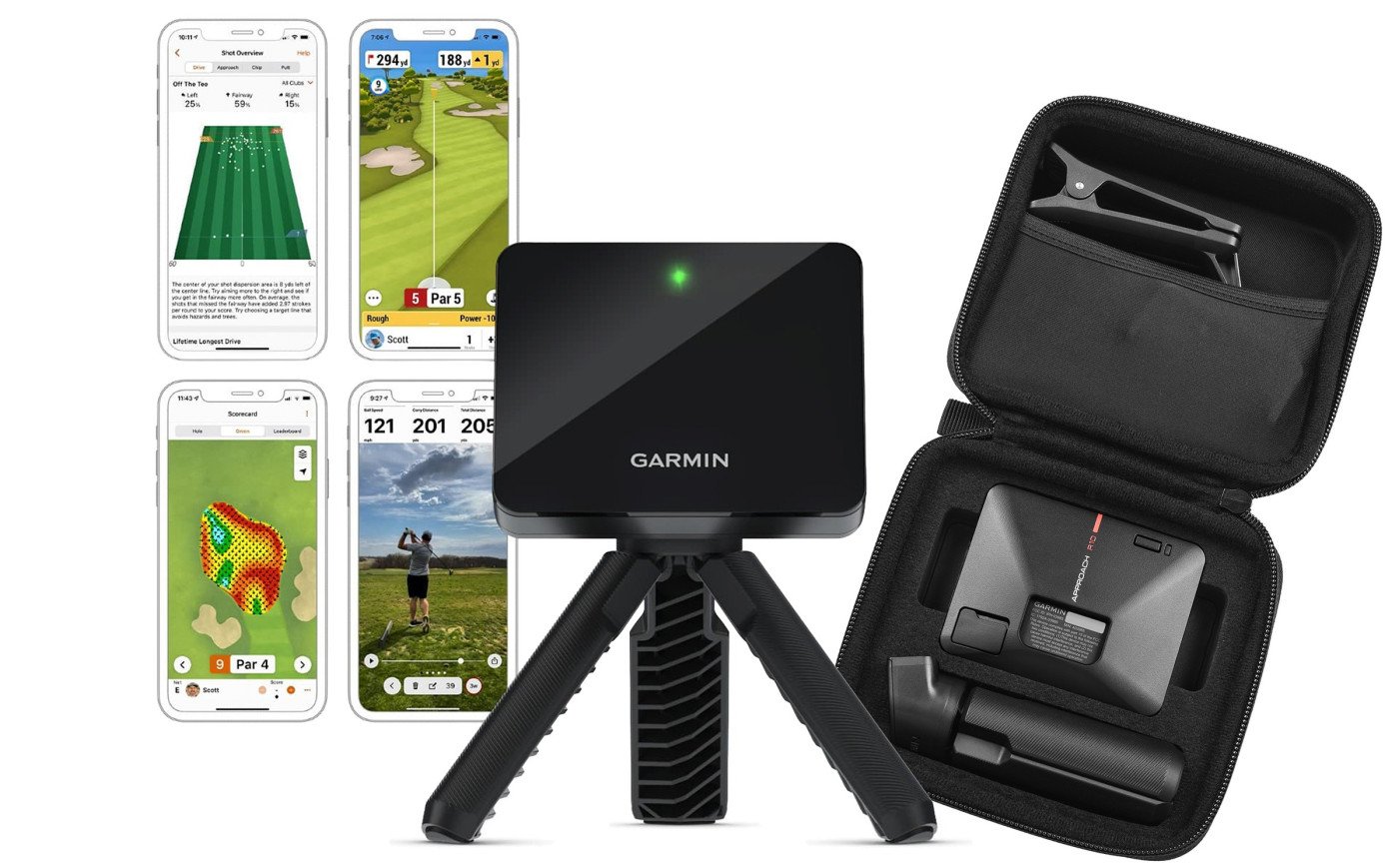
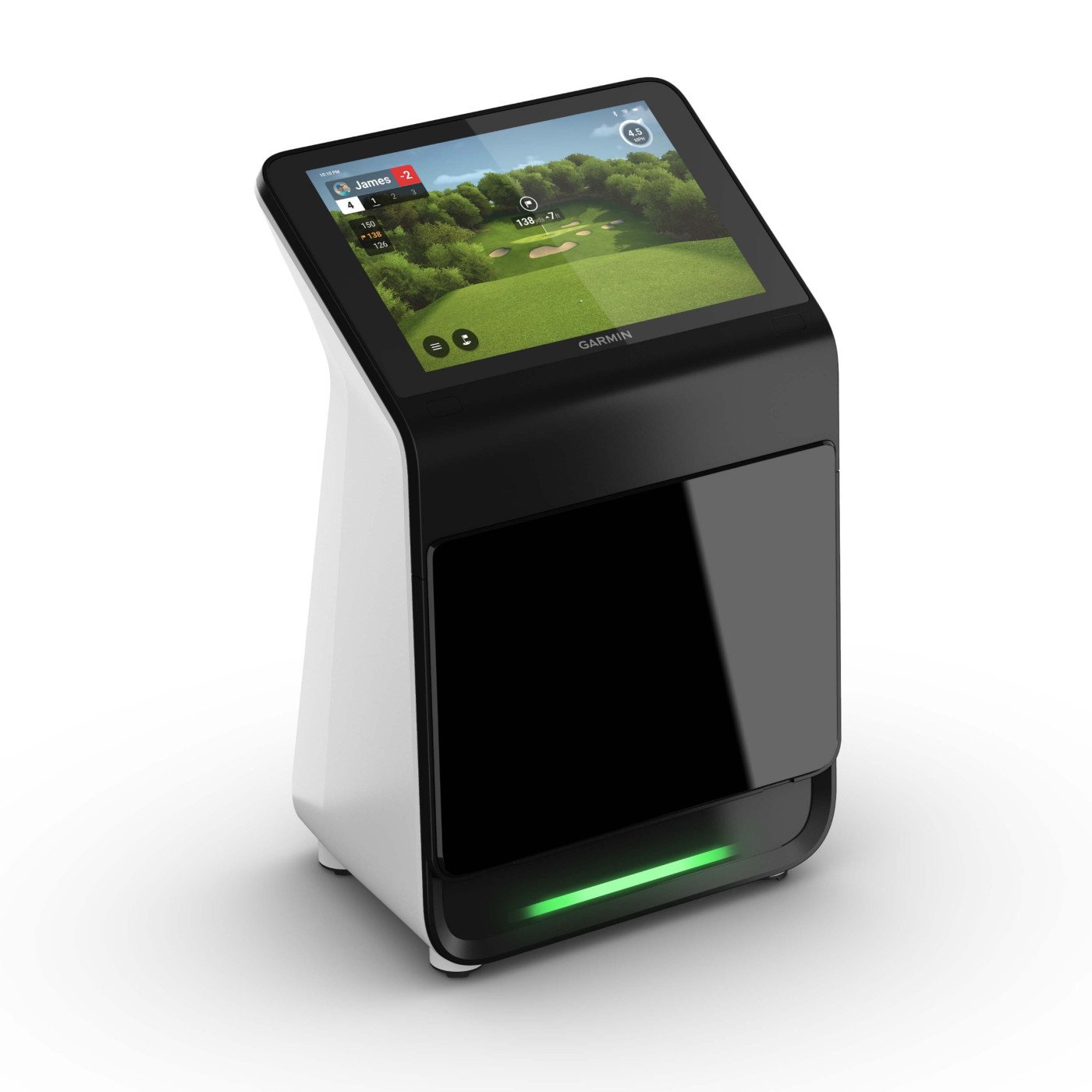

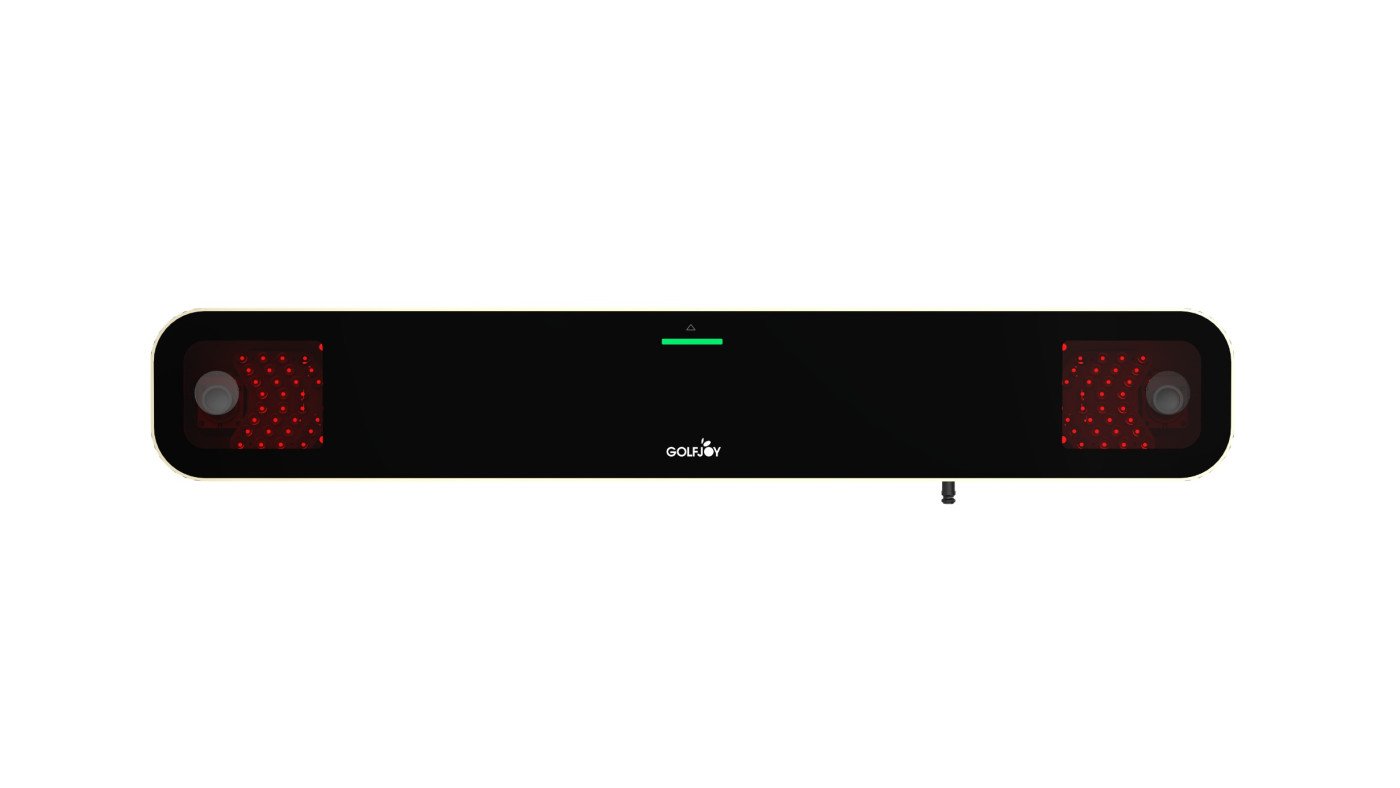

Bring clarity to your practice
Explore launch monitors that turn supported ball and club measurements into useful practice feedback. Tracking technology, available metrics, software compatibility, and operating requirements vary by device.
Compare devices that report supported ball-flight metrics such as ball speed, launch angle, and carry distance. The available measurements vary by model and mode.
Selected launch monitors provide club metrics alongside ball data. Check whether additional hardware, marked balls, club stickers, or software licences are required.
Compatible apps and software can help you review shots or practise on a virtual range. Simulator support and access depend on the chosen device and licence.
Choose a device designed for your intended environment. Some models support both indoor and outdoor use, while others have more specific installation requirements.
Compare radar, camera-based, and hybrid systems against your available space and the type of practice you want to do.
Devices may track from beside the ball, behind the hitting area, or overhead. Required clearances and placement vary by model.
Supported applications may let you save sessions and revisit shot results. Check how history, storage, and reporting work before buying.
Consider a portable unit for suitable practice locations or a fixed installation for a dedicated simulator room.
Check supported phones, tablets, computers, connection methods, and system requirements for the launch monitor you choose.
Selected devices connect to simulator platforms for virtual practice or course play. Supported software, subscriptions, and computer requirements differ.
Check hitting distances, lighting, alignment, power, and any required accessories to understand what your device needs to operate.
Make feedback part of your routine
A launch monitor can help you approach practice with more context and a clearer purpose. Choose a device around your goals, your practice environment, and the measurements you want to explore.
Work on a specific club, distance, or shot pattern using the data your device supports. Use the feedback to structure your session rather than simply increasing the number of shots.
Review supported distance measurements across a series of shots to explore your club gaps. Interpret results in the context of the device, practice conditions, and your consistency.
Share available shot results with your coach to support a discussion about your game. Measurements can complement coaching observations without replacing professional guidance.
Where session history is supported, revisit practice results and look for patterns over time. Compare sessions thoughtfully, allowing for different settings and conditions.
Choose an indoor, outdoor, portable, or fixed device around your intended practice space. Verify the operating conditions and clearance requirements before committing.
Start with the measurements and software experience you need. Compare equipment costs, licences, accessories, and compatible options before choosing a device.
Real feedback from verified customers who built smarter practice spaces with Indoor Golf Valley.
Choose a launch monitor with confidence by comparing tracking technology, room fit, software support, and the data that matters to your practice.
Compare the ball and club metrics each system measures before you invest.
Match radar, camera, overhead, or floor-based tracking to your available space.
Understand simulator software, device, computer, and subscription requirements.
Get practical help narrowing the options for your goals, room, and budget.
Compare technologies, placement, software, and setup requirements with answers to the questions golfers ask most often.
A golf launch monitor measures ball flight and, depending on the model, club-delivery data such as ball speed, launch angle, spin, carry distance, club speed, and impact direction. It can be used for indoor simulator play, structured practice, club fitting, and performance analysis.
Camera-based launch monitors use high-speed images to measure the ball and club near impact, making them well suited to many indoor spaces. Radar-based systems track the ball through flight and may need more distance behind and in front of the hitting area. The best option depends on room depth, placement, portability, and the data you need.
Space requirements depend on the tracking technology and mounting position. Camera-based units commonly measure the ball close to impact, while radar systems may require additional room behind the golfer and between the ball and screen. Always confirm the manufacturer’s minimum dimensions and allow enough clearance for a safe full swing.
Many portable launch monitors support both indoor and outdoor use, while some overhead or permanently mounted systems are designed mainly for indoor installations. Check the required ball-flight distance, lighting conditions, alignment process, connectivity, and weather limitations for the specific model.
Important ball data can include ball speed, launch angle, spin rate, spin axis, carry distance, total distance, and angle of descent. Golfers working on swing mechanics or club fitting may also need club speed, club path, face angle, attack angle, and impact-location data.
Subscription requirements vary by brand and software platform. Basic practice features may be included with the device, while simulator courses, advanced analytics, cloud storage, or third-party software can require separate licenses or recurring plans. Review both the included software and ongoing costs before purchasing.
Many launch monitors support simulator software, but compatibility differs by model. Options may include the manufacturer’s own platform, GSPro, E6 Connect, FSX Play, or other applications. Confirm supported software, required subscriptions, computer specifications, and connection type before building your setup.
Some launch monitors work with standard golf balls and clubs, while others recommend marked balls, reflective stickers, or club-face dots for enhanced spin or club-data tracking. These requirements vary by model and operating mode, so check what is included and what accessories are optional.
Yes, but convenience depends on monitor placement. Overhead systems generally allow right- and left-handed players to switch without moving the unit. A floor-mounted monitor positioned beside the ball may need to be moved and realigned when player orientation changes.
Compare the measurements you need, indoor and outdoor use, available room, software compatibility, portability, and ongoing subscription costs. Indoor Golf Valley can help you compare suitable models based on your practice goals, simulator plans, and total setup budget.