Built for Better Indoor Golf
Indoor Golf Valley Garmin Approach R10 is designed for golfers who want a reliable ground launch monitor for indoor practice, simulator play, and game improvement. Built around Garmin performance, this setup helps keep your simulator room organized while giving golfers useful feedback session after session.
Use this launch monitor to plan a cleaner hitting bay, improve practice consistency, and build an indoor golf experience that fits your space and playing goals.
Indoor Golf Valley Garmin Approach R10 gives golfers a launch monitor option for indoor golf practice, simulator play, and performance feedback. Use the sections below to review features, setup notes, included items, requirements, and ordering information.
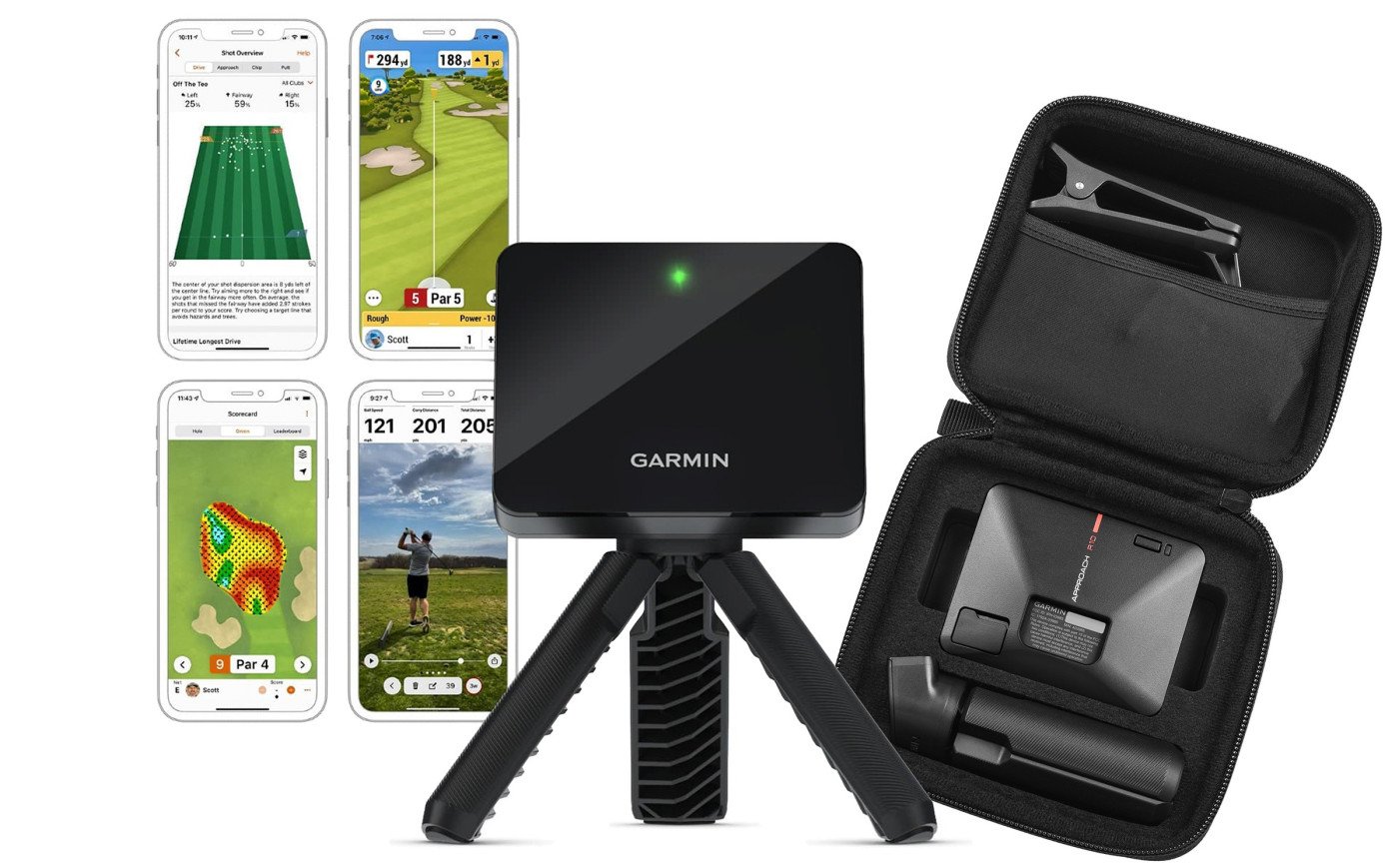
Park it behind you and let it work. The Garmin Approach R10 stays out of harm’s way, tracks your shot patterns, and doesn’t care if you’re righty or lefty.
Uses radar technology to track 14 different data parameters on your swing and ball flight. Record video clips of each shot to continue improving on and off the course.
Use the lightweight Garmin Approach R10 launch monitor at your home golf simulator, or easily take it to the range with you.
Garmin makes it easy to keep your R10 launch monitor up-to-date.
Once you buy the Garmin Approach R10, keep the software up-to-date in order to take advantage of improvements and bug fixes. Updates are easy to install. See the below options to update the software on your Approach R10.
Garmin Golf App
Garmin Golf App will download software updates automatically behind the scenes while your Approach is connected to your mobile phone. There are no steps required for you to take to obtain the latest software. Generally, any released updates will take up to a week to download before automatically or prompting to install on your Approach. Follow the link below and select your mobile app platform.
Download Garmin Golf app for your phone.
Garmin Express
Garmin Express provides the ability to check and offer software updates automatically each time you connect your Approach R10 to the computer.
The Garmin Approach R10 launch monitor works with the Garmin Golf app for smartphones or E6 Connect golf simulator software to show you the stats of your swing. It automatically records video so you can see and analyze your recorded data to help improve your swing any time, any where.
The red alignment line should go straight through the tee location toward the target. The ball can then be hit anywhere inside a 2-foot by 2-foot square, with the center of that square being the original tee location used for alignment.
14 ball and club data points included:
The Garmin R10 Launch Monitor is compatible with the following software:
Approach R10 launch monitor should be 6-8 feet behind the tee location. Note: Make sure the bottom edge of the device sits above the hitting surface.
Best practice is to place your tee 10'-12' away from the impact screen. More space is better for bounceback and for radar-based launch monitors to read the ball.
Garmin R10 Approach units ship to U.S. addresses only.
| DIMENSIONS | 3.5" x 2.8" x 1" (88.5 x 70.25 x 25 mm) without tripod |
| WEIGHT |
Without tripod: 5.22 oz (148 g) |
| BATTERY TYPE | Rechargeable, built-in lithium-ion battery |
| BATTERY LIFE |
Up to 10 hours |
| WATER RATING | IPX7 - Withstands incidental exposure to water of up to 1 meter for up to 30 minutes. Ideal against splashes, rain, or snow. |
| INTERFACE |
USB |
Garmin Approach R10 Radar Accuracy
|
|
|---|---|
| CLUB HEAD SPEED ACCURACY | +/- 3 mph |
| BALL SPEED ACCURACY | +/- 1 mph |
| LAUNCH ANGLE ACCURACY | +/- 1 degree |
| LAUNCH DIRECTION ACCURACY | +/- 1 degree |
| CARRY DISTANCE ACCURACY | +/- 5 yards |
Garmin Approach R10 Courses |
|
| AVAILABLE COURSES | 42,000+ Virtual Courses |