


Make Time for Your Game
Fit a practice session around your own schedule. A home setup gives you somewhere to work on your game without making a separate trip to the range.
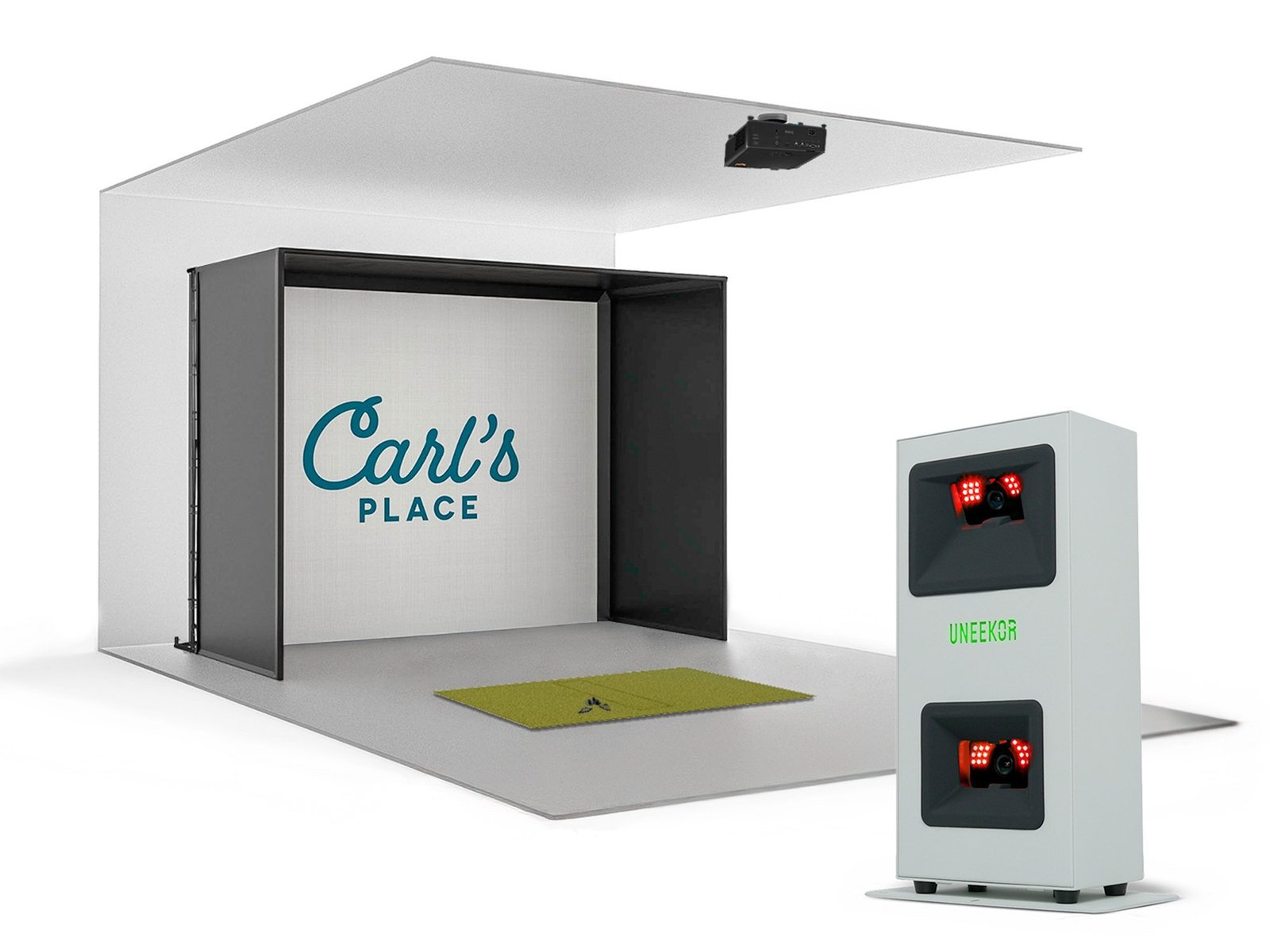
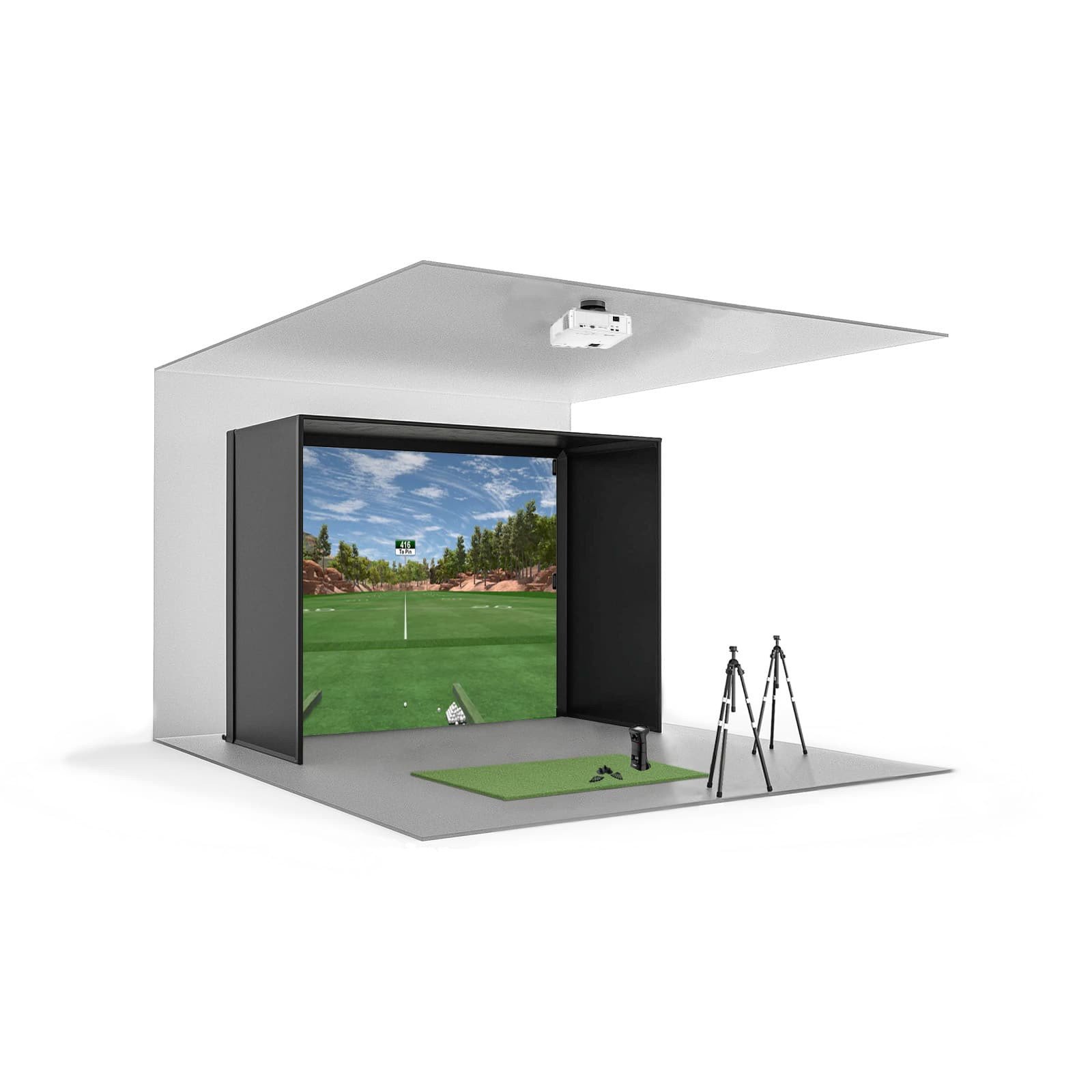
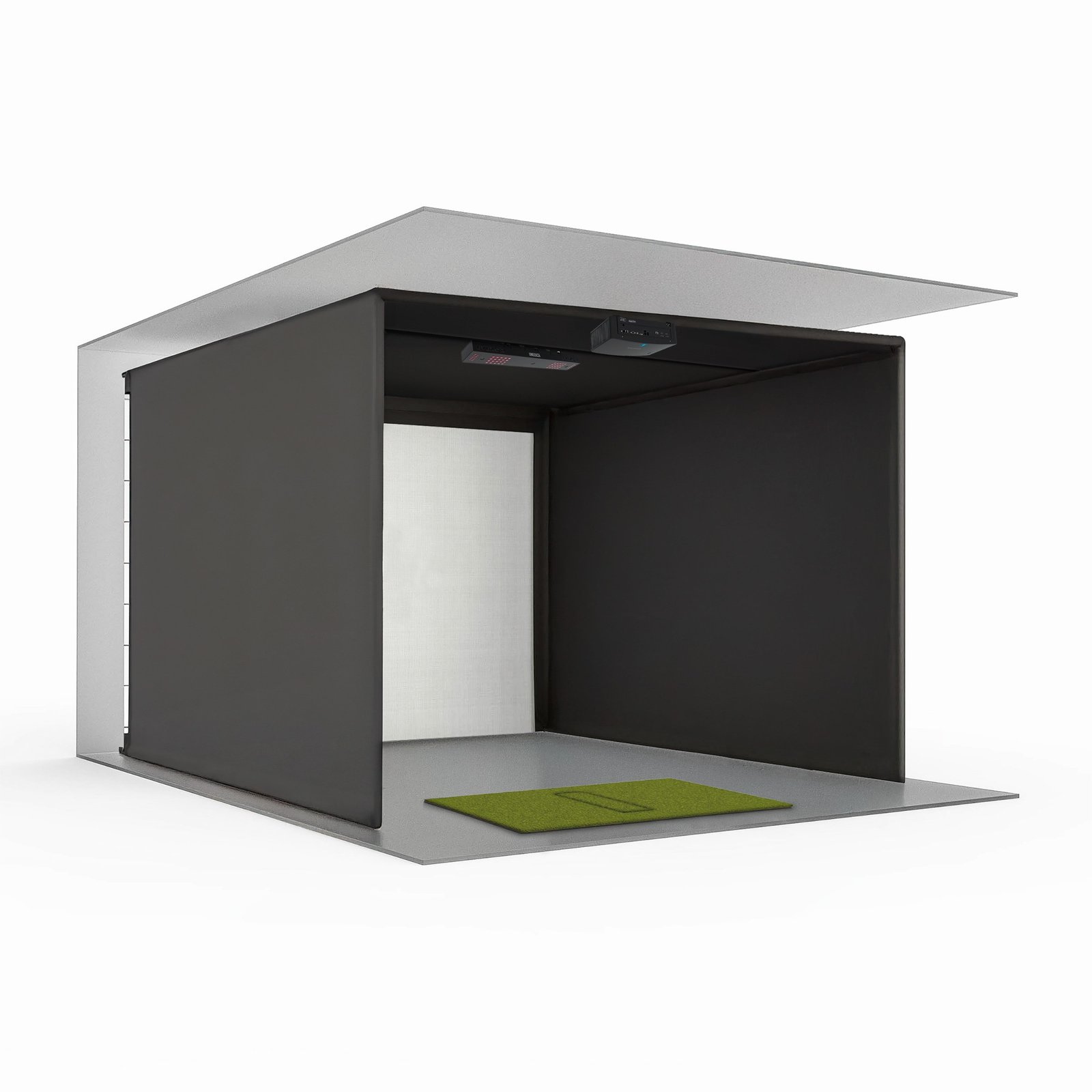
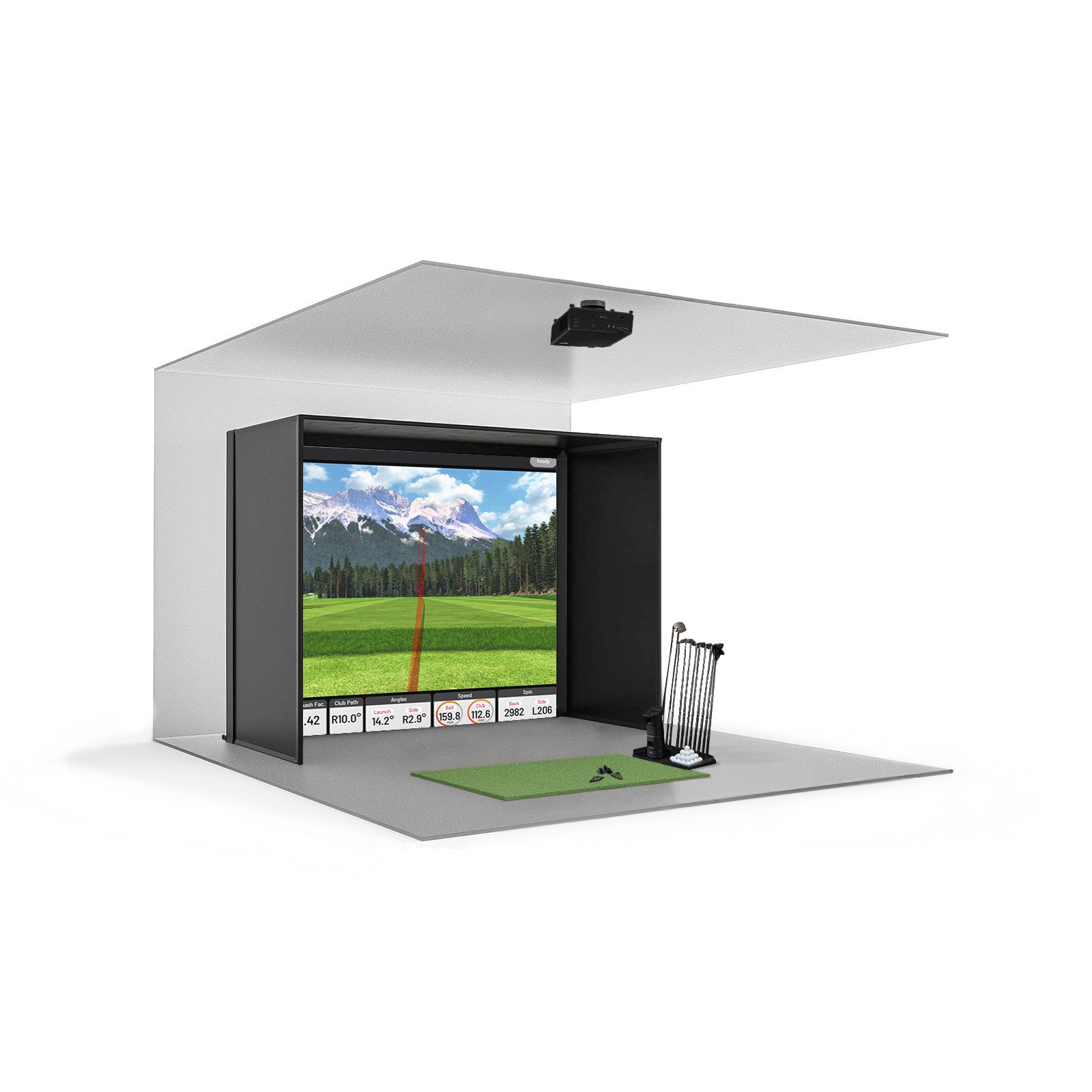
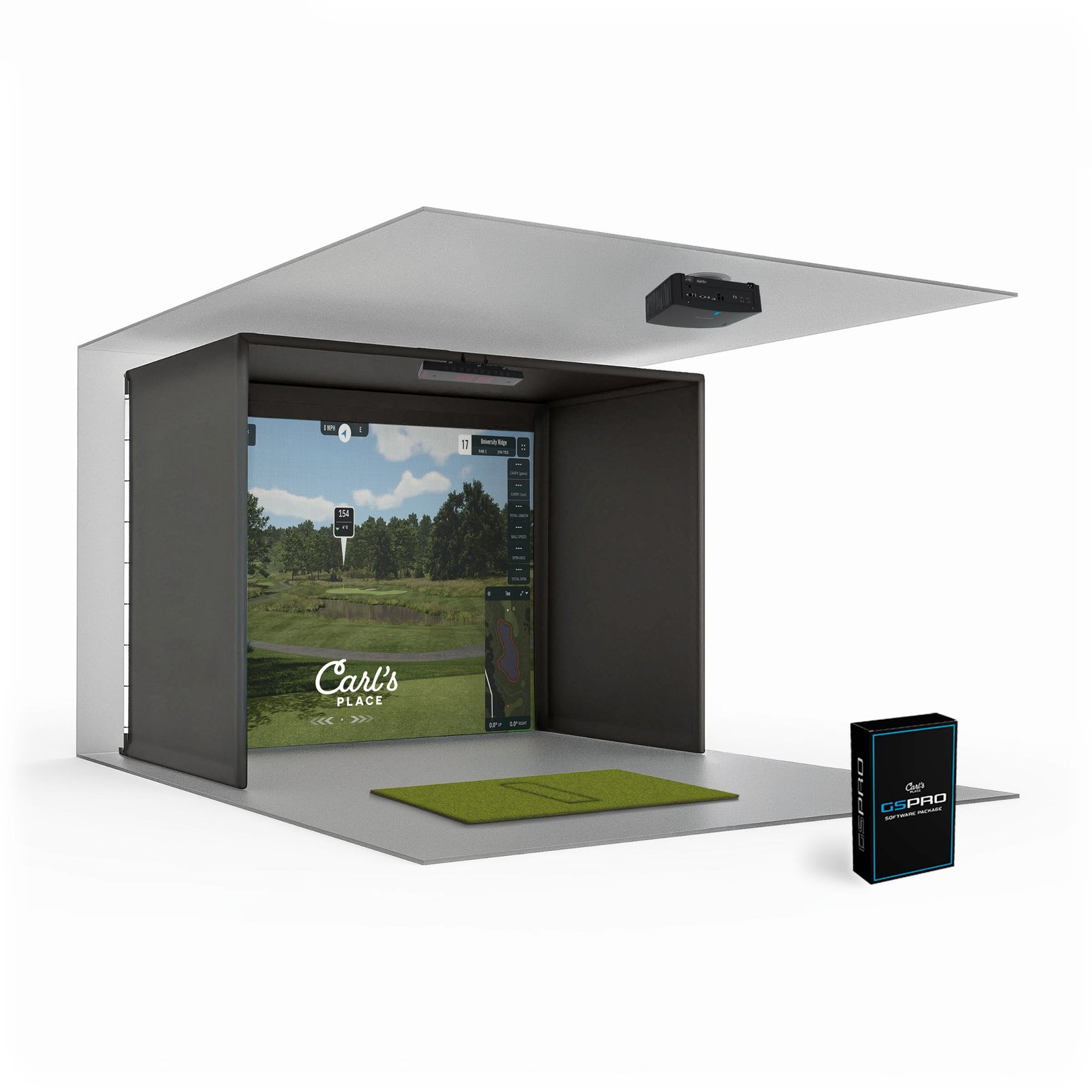
Built around your game
Bring golf practice and virtual play into your own space. Explore setups that combine shot tracking, simulator software, and hitting equipment, with capabilities and included components varying by package.
A compatible launch monitor measures shot data to support practice. Available ball and club metrics depend on the device and its enabled features.
Compatible software can bring virtual courses, practice ranges, and playing modes to your setup. Access depends on software support and licensing.
Compare packages with different tracking devices, screens, enclosures, and display options to find a configuration suited to your room and budget.
An indoor setup lets you practise without relying on outdoor conditions or daylight.
Supported software may offer driving ranges, target challenges, and focused practice sessions.
Review supported ball-flight displays and shot results to better understand each session.
Depending on the configuration, view your session on a compatible device, monitor, or projected impact screen.
Choose a suitable hitting mat for your practice area. Mat construction and included surfaces vary by package.
Selected software supports group play and competitions, subject to its available modes and subscription.
Compare equipment dimensions, swing clearance, and tracking requirements for your intended installation space.
Some configurations allow compatible components or software to be upgraded as your practice needs change.
More possibilities for your game
A golf simulator can make practice and play a more convenient part of everyday life. Choose a setup around the space you have, the way you enjoy golf, and the goals you want to work towards.
Fit a practice session around your own schedule. A home setup gives you somewhere to work on your game without making a separate trip to the range.
Use supported practice modes to focus on a particular club, target, or distance. Build sessions around your goals rather than simply hitting more balls.
Available shot data can help you spot patterns and compare results. Use that feedback alongside your own observations or coaching; tracked metrics vary by device.
Make golf part of time spent with friends or family. Compatible software may offer group rounds and challenges for different playing abilities.
Turn a suitable spare room, garage, or dedicated area into a place for golf. Check swing clearance, ball containment, and equipment requirements before choosing a setup.
Prioritise the experience you want, from focused training to virtual rounds. Compare included equipment, software costs, and compatible options against your needs and budget.
Real feedback from verified customers who built smarter practice spaces with Indoor Golf Valley.
From component compatibility to room planning, we help you choose equipment that works together and fits the way you want to practice, play, or entertain.
Compare enclosure, mat, projector, and monitor requirements against your available space.
Build around hardware and software combinations designed to work together.
Shop established golf technology brands and purpose-built simulator components.
Get help comparing packages before purchase and coordinating the details of your setup.
Start with the room, tracking technology, and software. These answers cover the most common decisions involved in planning an indoor golf simulator.
Most golfers are comfortable with a ceiling height of about 9 to 10 feet, enough width to swing safely, and sufficient depth for the player, launch monitor, and screen. Exact requirements depend on the golfer, enclosure size, and tracking technology, so measure your full swing area before choosing a package.
Package contents vary, but a complete setup can include a launch monitor, impact screen and enclosure, hitting mat, projector, mounting hardware, and simulator software. Review each product's included-items list carefully because a gaming computer, cables, or installation services may be sold separately.
Start with your available room, budget, preferred software, and whether both right- and left-handed golfers will play. Overhead units keep the floor clear, side-mounted camera systems provide detailed indoor data, and radar systems often require more ball-flight distance behind and in front of the golfer.
A DIY package is a good fit when you are comfortable assembling the enclosure and coordinating the room setup. A ready-to-play package reduces planning and component matching. Compare included equipment, installation requirements, and support rather than choosing on package name alone.
Yes, but the best configuration depends on the launch monitor. Overhead systems usually support player changes without moving hardware, while some floor-mounted units must be repositioned. Confirm the hitting-zone width and monitor placement when both orientations will be used regularly.
A short-throw projector is commonly preferred because it can produce a large image from a limited distance and helps reduce golfer shadows. Brightness, resolution, throw ratio, screen aspect ratio, and mounting position should all match the selected enclosure and room dimensions.
Software compatibility is determined primarily by the launch monitor. Depending on the model, options may include manufacturer software, GSPro, E6 Connect, FSX Play, or other platforms. Some programs require a separate subscription or license, so confirm compatibility before purchasing.
Many advanced simulator programs require a Windows computer with a dedicated graphics card, while some launch monitors can also work with a tablet or mobile device. Always follow the software provider's current processor, memory, graphics, storage, and network requirements.
Measure the room first, including ceiling height, usable width, depth, doors, lighting, and the golfer's swing clearance. Then select an enclosure that leaves safe space around the hitting area and match the projector image ratio to the visible screen dimensions.
Yes. Share your room measurements, budget, preferred launch monitor, golfer orientation, and intended use. The Indoor Golf Valley team can help compare compatible packages and identify the enclosure, mat, projector, software, and supporting equipment needed for a coordinated setup.