Built for Better Indoor Golf
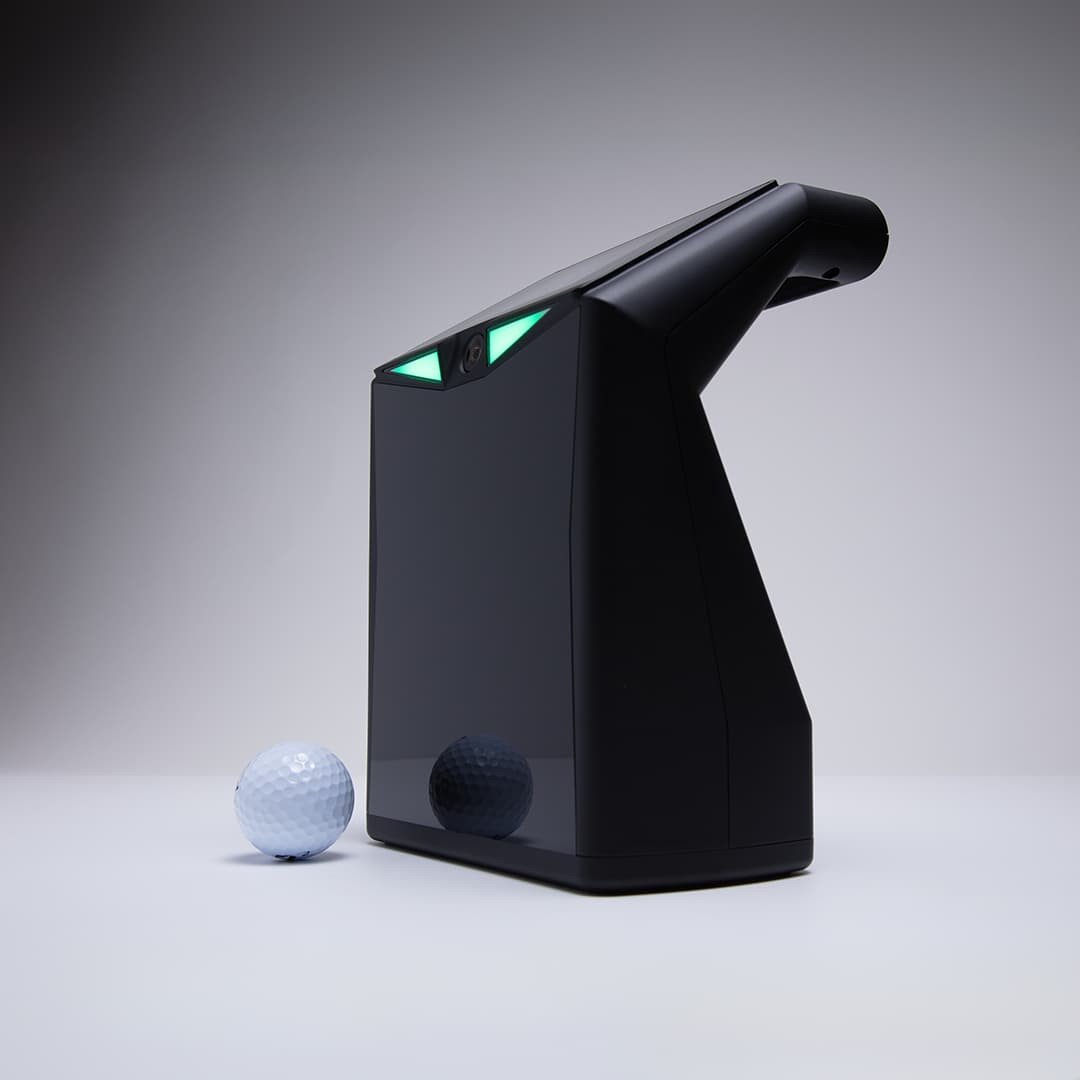
Indoor Golf Valley TruGolf LaunchBox is designed for golfers who want a reliable ground launch monitor for indoor practice, simulator play, and game improvement. Built around TruGolf performance, this setup helps keep your simulator room organized while giving golfers useful feedback session after session.
Use this launch monitor to plan a cleaner hitting bay, improve practice consistency, and build an indoor golf experience that fits your space and playing goals.
Indoor Golf Valley TruGolf LaunchBox gives golfers a launch monitor option for indoor golf practice, simulator play, and performance feedback. Use the sections below to review features, setup notes, included items, requirements, and ordering information.
The LaunchBox is built for indoor golf, but it doesn't have to stay there. Its portable design and outdoor compatibility make it easy to take your data-driven practice sessions from the simulator to the driving range and back again.
Swing, hit, review, repeat. The LaunchBox delivers shot data the moment the ball leaves the clubface, so you can spend less time waiting and more time working on your game.
Cut the cords and get connected. LaunchBox pairs wirelessly with your PC or mobile device, making setup cleaner and faster no matter the environment.
With E6 CONNECT integration, LaunchBox makes it easy to play world class courses, hone in your skills, and enjoy golf anywhere, indoor or out.
E6 Connect PC Requirements
E6 Connect iOS Requirements
The LaunchBox sits approximately 1' to the left or right of the hitting area. The hitting zone is 4" long by 8" wide, with the 2" of width closest to the launch monitor designated as the "on tee" area, and the rest of the hitting zone designated as "on mat" area.
LaunchBox by TruGolf ships worldwide.
| DIMENSIONS | 7"(w) x 5"(d) x 9.53"(h) |
| WEIGHT | 2.7lbs (1.22kg) |
| POWER SUPPLY | 5V-4A Adapter |
| INTERFACE | USB Type C / WiFi / Ethernet |
| CONNECTION | WiFi or Ethernet |